Custom Outlook Add-in Development for Automation & AI Solutions
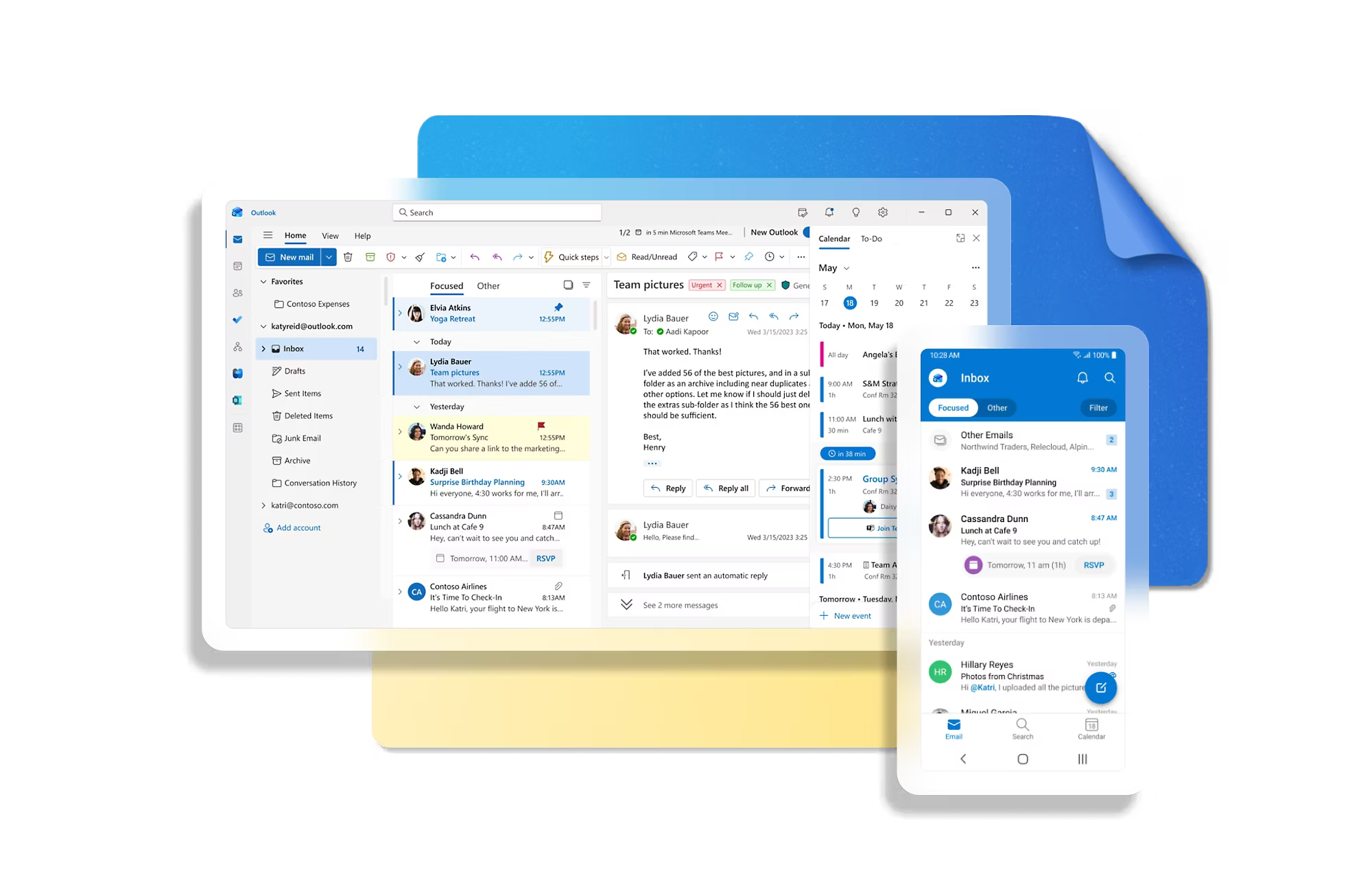
What's new in Outlook add-in development
Office.js Architecture
Build Outlook Add-ins with Office.js using command surfaces and task panes for context-aware experiences in read and compose modes.
Read and Compose APIs
Use the Outlook JavaScript API to read item metadata, recipients, and attachments, and to set properties during compose workflows.
Event-Based Activation
Implement event-based activation so your add-in runs automatically on supported Outlook events without opening a task pane.
Smart Alerts Validation
Use Smart Alerts with OnMessageSend and OnAppointmentSend to run business rules and block or warn before send when policies fail.
SSO and Identity
Enable single sign-on (SSO) and Nested App Authentication so users can securely access enterprise services with minimal friction.
Microsoft Graph Integration
Integrate Microsoft Graph to fetch profile, calendar, and directory data that enriches Outlook workflows with organizational context.
Manifest Strategy
Design add-in manifests with correct permissions, activation rules, and requirement sets for reliable behavior across Outlook clients.
Cross-Platform Compatibility
Validate feature support across Outlook on Windows, Mac, web, iOS, and Android and build graceful fallbacks where APIs differ.
Runtime and Performance
Optimize startup and interaction performance by minimizing runtime overhead, reducing payload size, and managing async Office.js calls carefully.
Build and integrate enterprise solutions in Outlook

Implement event-based activation and runtime actions
Trigger add-in logic from Outlook events like compose, recipients changed, and attachments changed to automate validation and compliance workflows.
Configure your Outlook add-in for event-based activationEnable single sign-on (SSO) in Outlook add-ins that use event-based activation
Validate messages with Smart Alerts before send
Use Smart Alerts events such as OnMessageSend and OnAppointmentSend to run policy checks, required-field validation, and contextual guidance before emails or meeting requests are sent.
Use Smart Alerts events in your Outlook add-inCreate an Outlook add-in for an online-meeting provider
Deliver cross-platform Outlook Add-in experiences
Design task pane and command surfaces for read and compose modes, then ship a consistent add-in experience across Outlook on Windows, Mac, web, iOS, and Android.
Configure your Outlook add-in for event-based activationEnable single sign-on (SSO) in Outlook add-ins that use event-based activation