Create Smart PowerPoint Add-ins with Custom Task Panes
Enhance PowerPoint with custom task panes, content automation, and interactive features.
Introduction
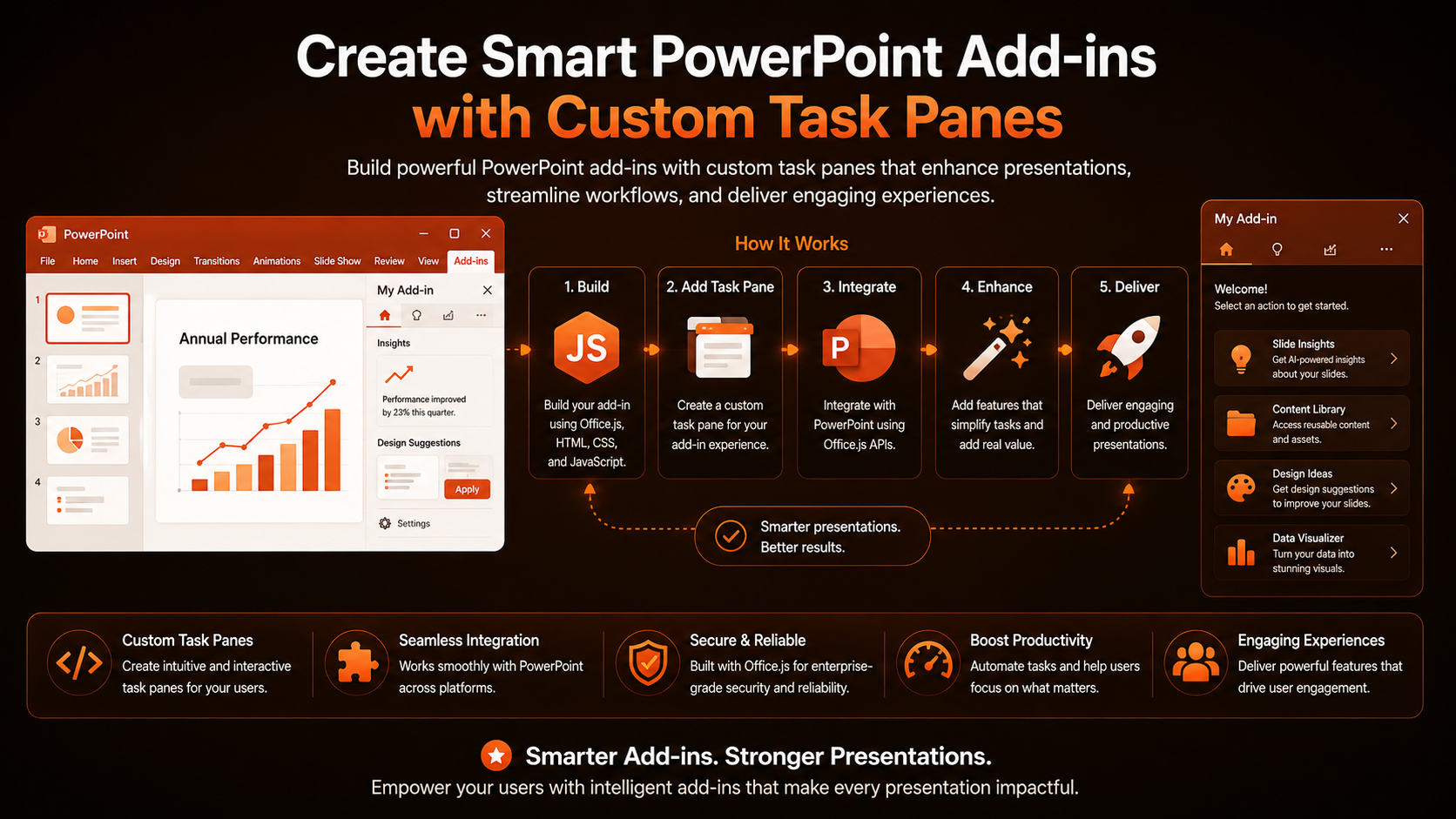
PowerPoint is where ideas become decks, but building consistent, on-brand presentations by hand is slow. A task pane add-in turns repeatable design work into a single click.
Why Task Panes?
Task panes give you a persistent side panel for rich, interactive UI — perfect for asset libraries, slide generators, and data-driven content tools that live alongside the canvas.
Scaffolding the Project
yo office
# choose: Task pane > JavaScript > PowerPoint
Working with Slides
The PowerPoint API lets you read the selected slides and add new ones programmatically. This snippet appends a fresh slide to the deck.
await PowerPoint.run(async (context) => {
  context.presentation.slides.add();
  await context.sync();
});
Inserting Branded Content
Combine the API with a hosted asset library to drop logos, approved layouts, and chart templates onto a slide in one action.
Use base64 for images
Conclusion
A well-designed task pane transforms PowerPoint from a blank canvas into a guided, brand-safe authoring tool. Start with one high-value action — like a one-click branded title slide — and expand from there.
Related Articles
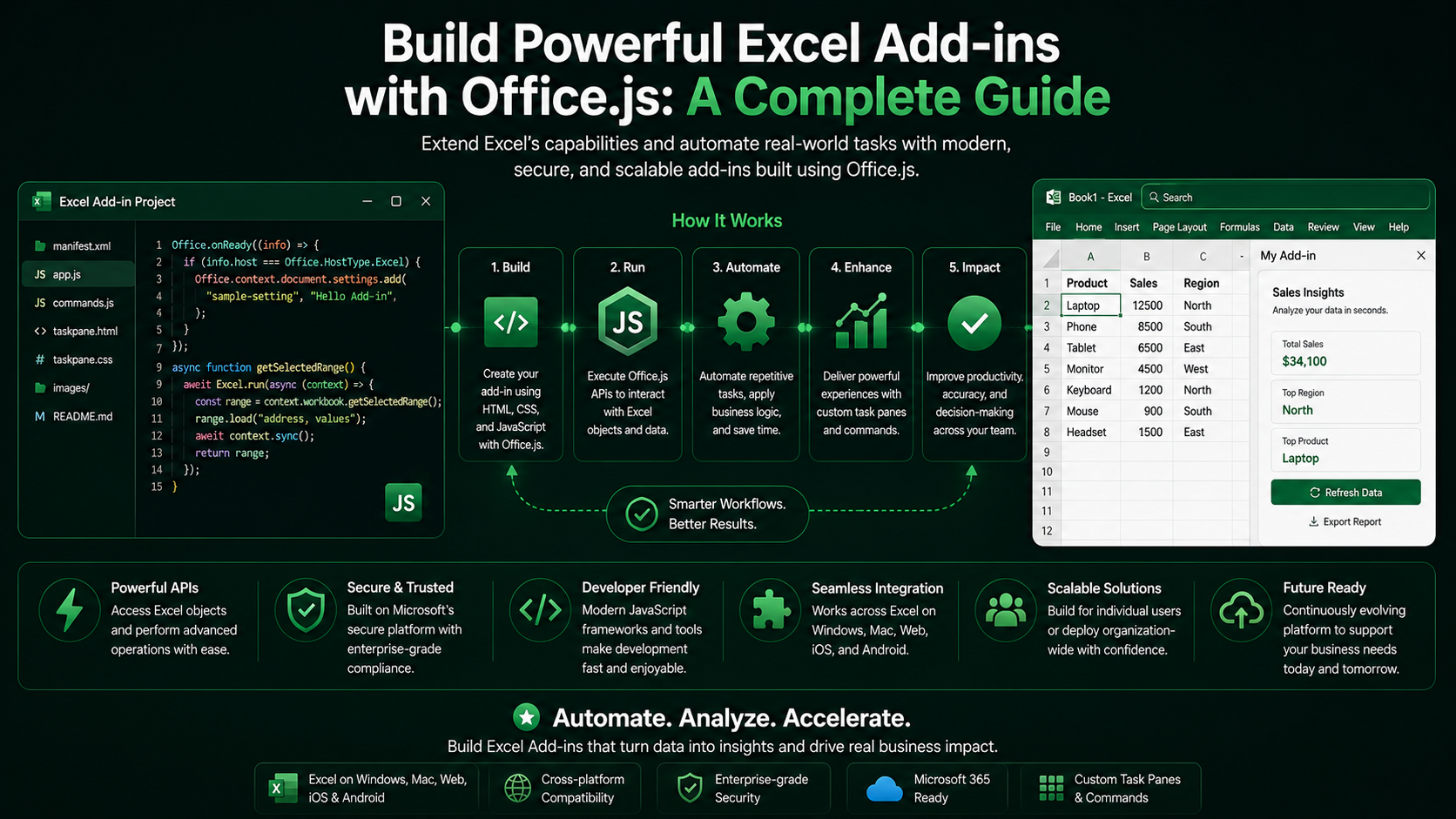 Excel Add-insBuild Powerful Excel Add-ins with Office.js: A Complete GuideMarch 12, 2024 · 8 min read
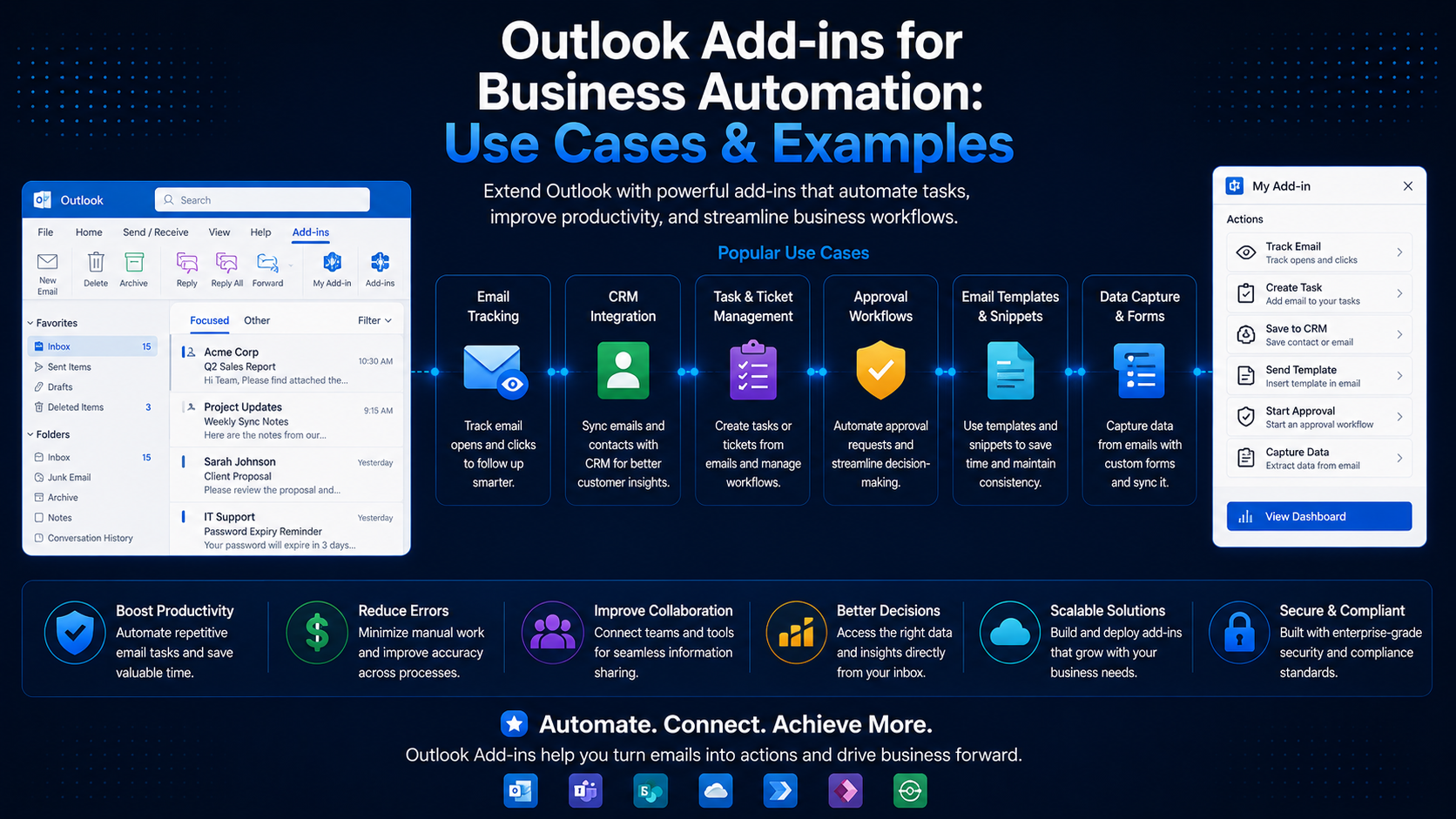 Outlook Add-insOutlook Add-ins for Business Automation: Use Cases & ExamplesJune 20, 2024 · 6 min read
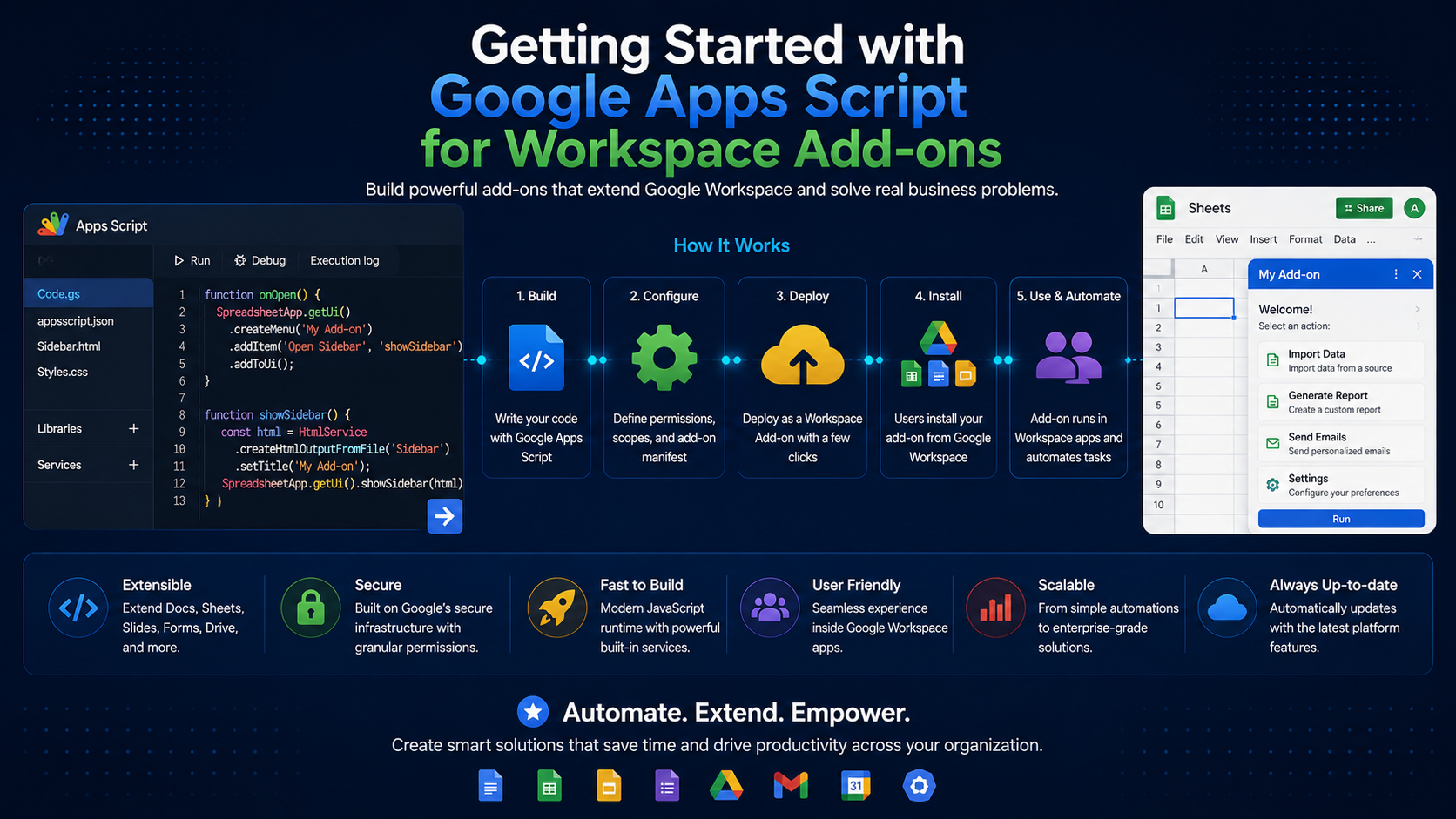 Google WorkspaceGetting Started with Google Apps Script for Workspace Add-onsSeptember 5, 2024 · 7 min read