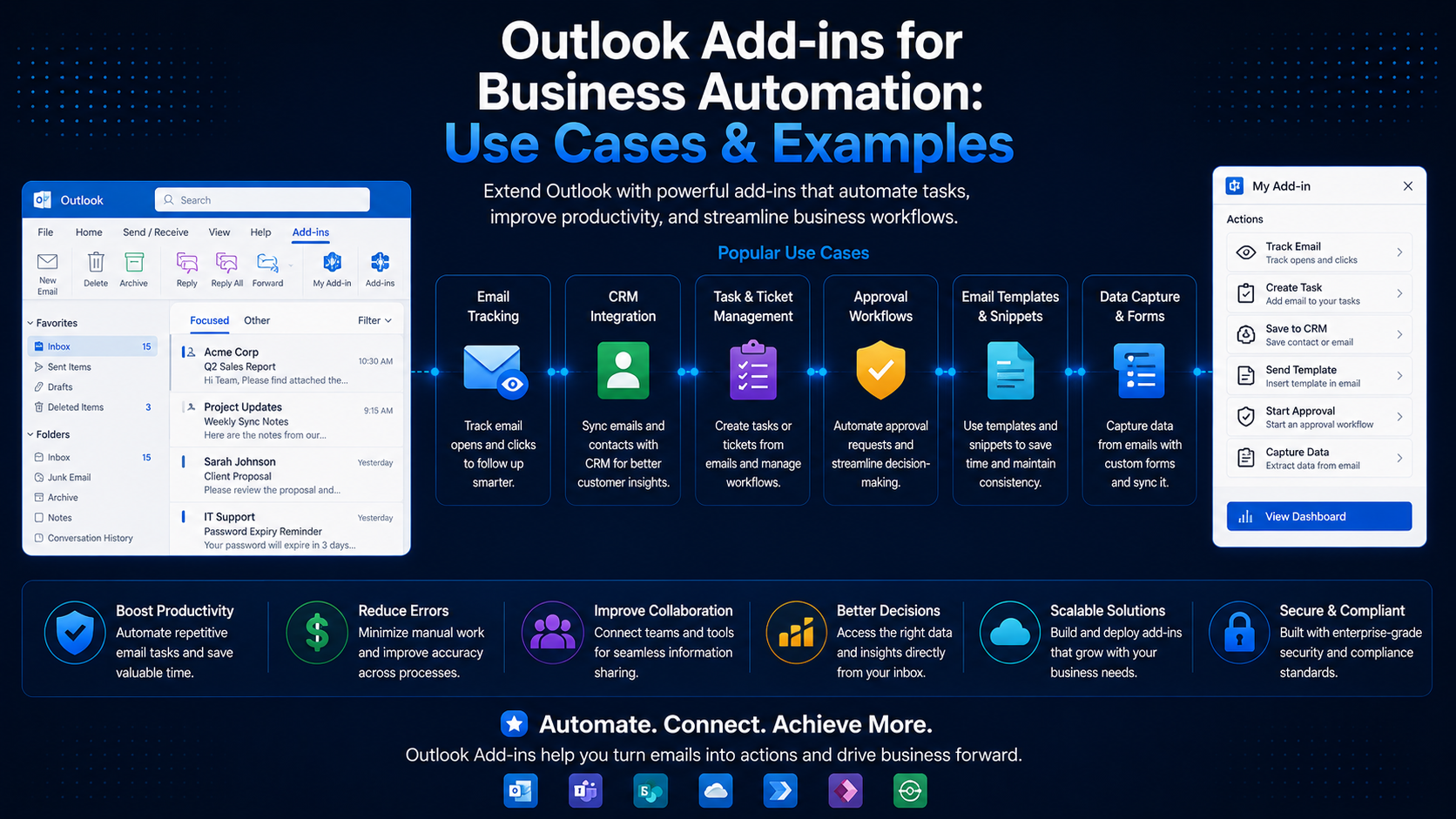
Outlook Add-ins for Business Automation: Use Cases & Examples
Discover how Outlook add-ins can automate email workflows, save time, and improve team productivity.
Introduction
Email is still the backbone of business communication, and it is also where a surprising amount of repetitive manual work hides. Outlook add-ins let you embed automation directly into the inbox, where your team already spends their day.
Why Automate Outlook?
Manual triage, copy-pasting data into CRMs, and applying the same formatting to outbound messages all add up. Automating these steps reduces errors and frees people for higher-value work.
Common Use Cases
- One-click logging of emails into a CRM or ticketing system.
- Inserting approved, on-brand reply templates.
- Compliance scanning of outgoing messages before they send.
- Auto-extracting invoices or order details from incoming mail.
Anatomy of an Outlook Add-in
An Outlook add-in is made up of a manifest that declares activation rules and UI surfaces, plus the HTML/JS that powers your task pane or command. The Office.context.mailbox object is your entry point into the current message or appointment.
Reading and Composing Mail
The snippet below reads the subject of the selected message and inserts a templated reply into the compose body.
const item = Office.context.mailbox.item;

item.subject.getAsync((result) => {
  if (result.status === Office.AsyncResultStatus.Succeeded) {
    const subject = result.value;
    item.body.setSelectedDataAsync(
      `Thanks for your note about "${subject}". We’ll be in touch shortly.`,
      { coercionType: Office.CoercionType.Text }
    );
  }
});
Event-Based Activation
Event-based add-ins can react to events such as OnMessageSend without the user opening a task pane — ideal for compliance checks or automatic disclaimers.
Keep handlers fast
Conclusion
From CRM logging to automated compliance, Outlook add-ins turn the inbox into a workflow surface. Identify your most repetitive email task, and there is a good chance an add-in can take it off your team’s plate.
Related Articles
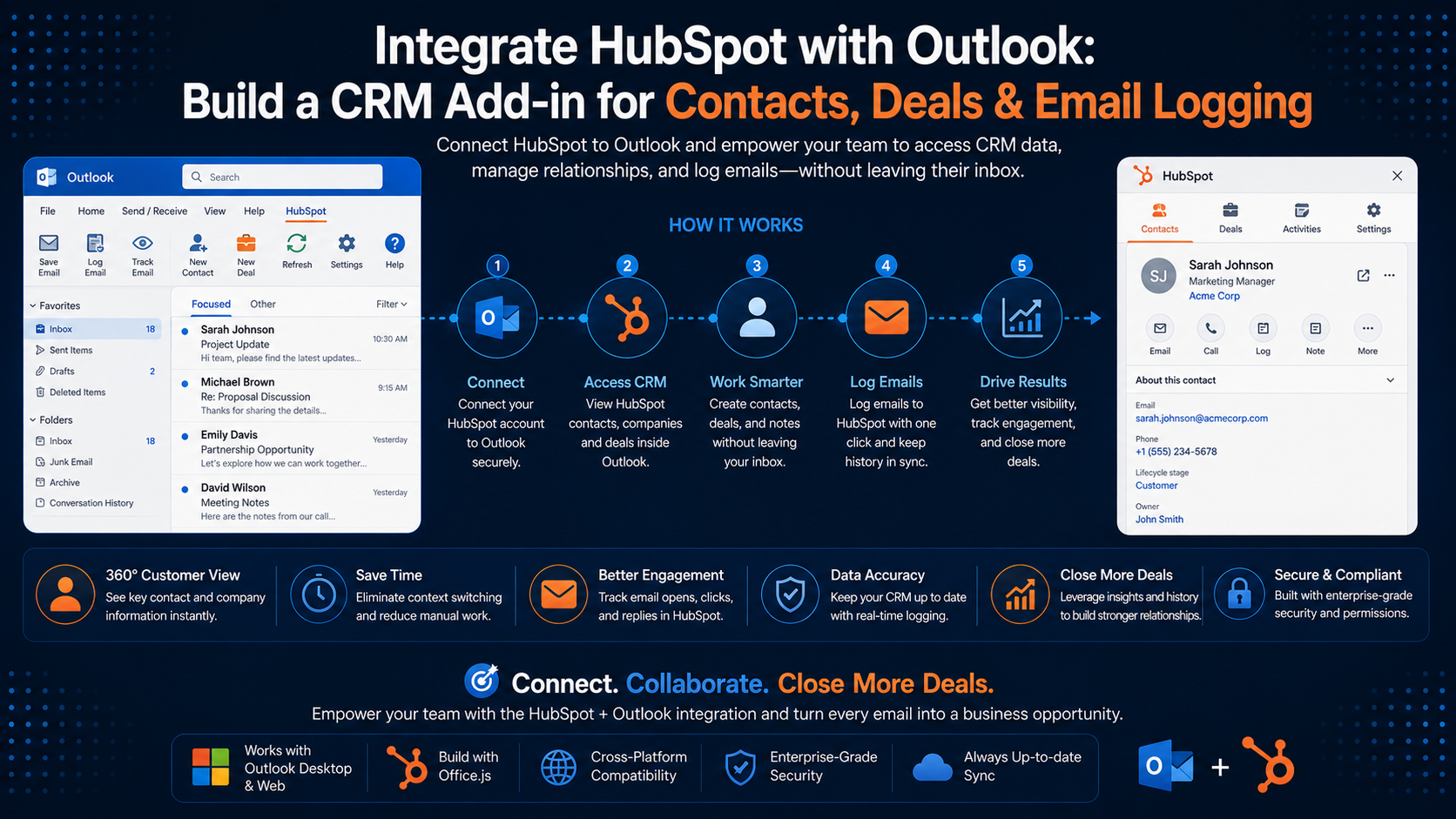 Outlook Add-insIntegrate HubSpot with Outlook: Build a CRM Add-in for Contacts, Deals & Email LoggingMarch 25, 2026 · 9 min read
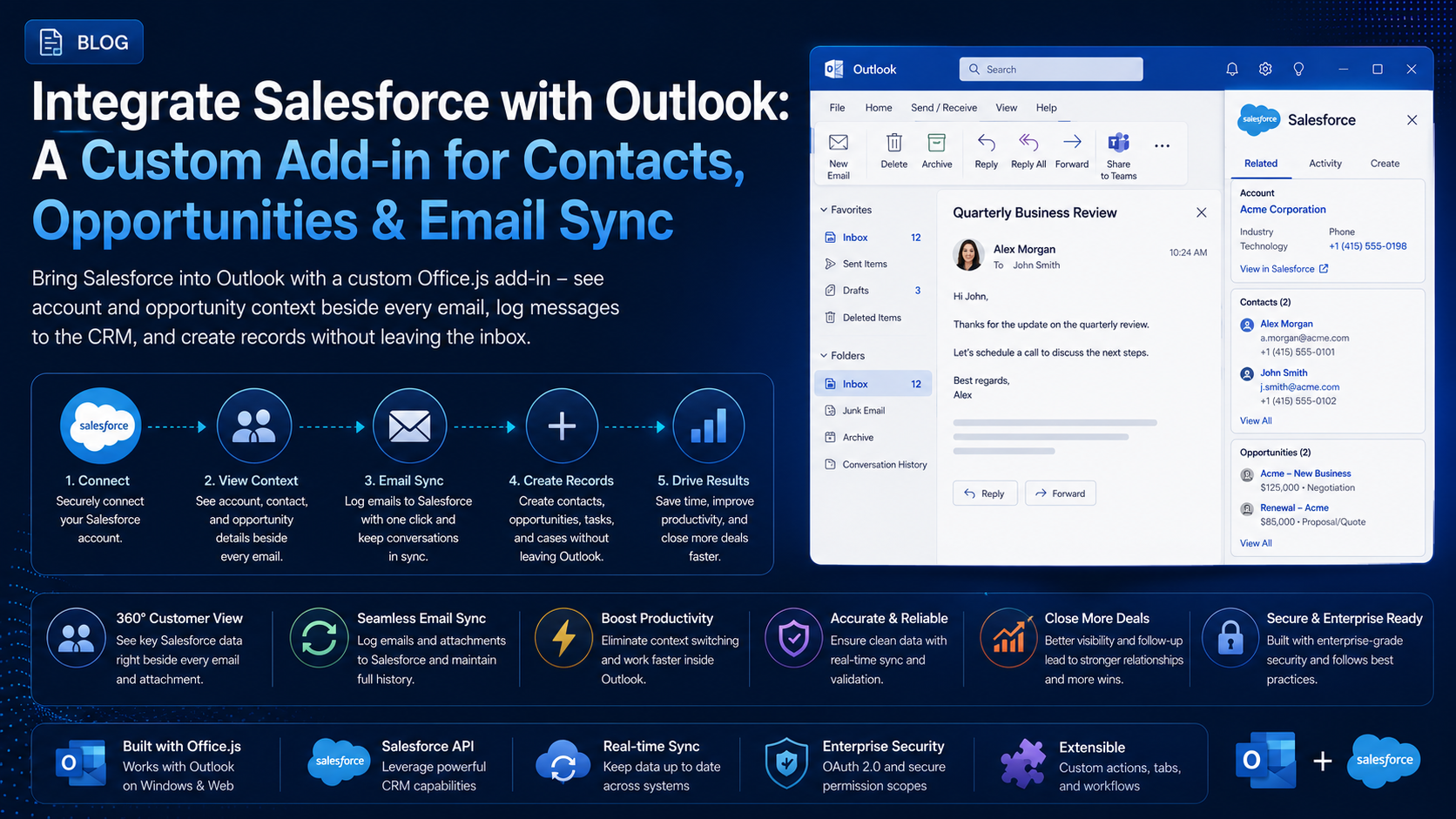 Outlook Add-insIntegrate Salesforce with Outlook: A Custom Add-in for Contacts, Opportunities & Email SyncJuly 12, 2026 · 9 min read
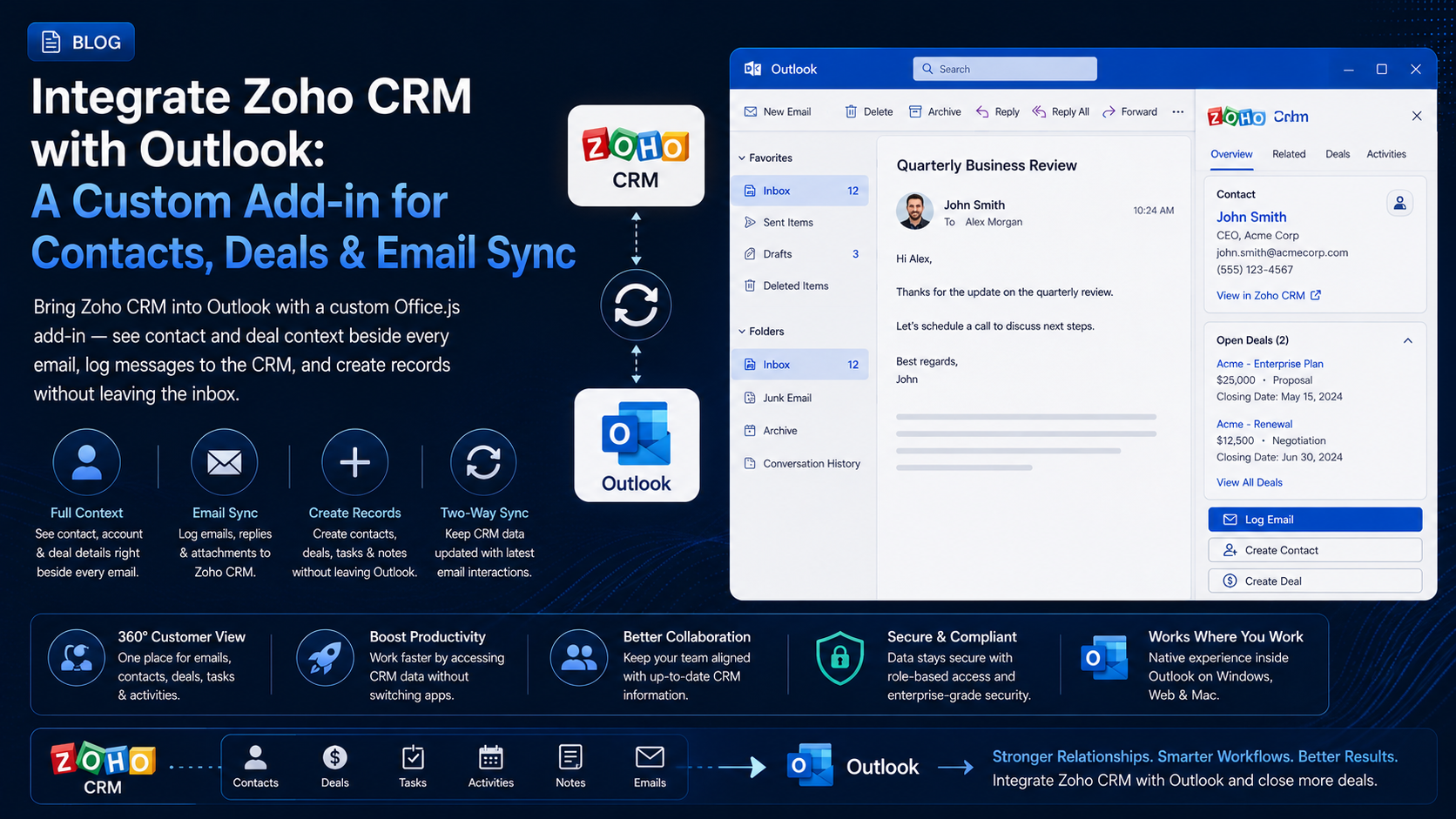 Outlook Add-insIntegrate Zoho CRM with Outlook: A Custom Add-in for Contacts, Deals & Email SyncJuly 24, 2026 · 9 min read