Getting Started with Google Apps Script for Workspace Add-ons
A beginner-friendly guide to building and deploying Google Workspace add-ons using Apps Script.
Introduction
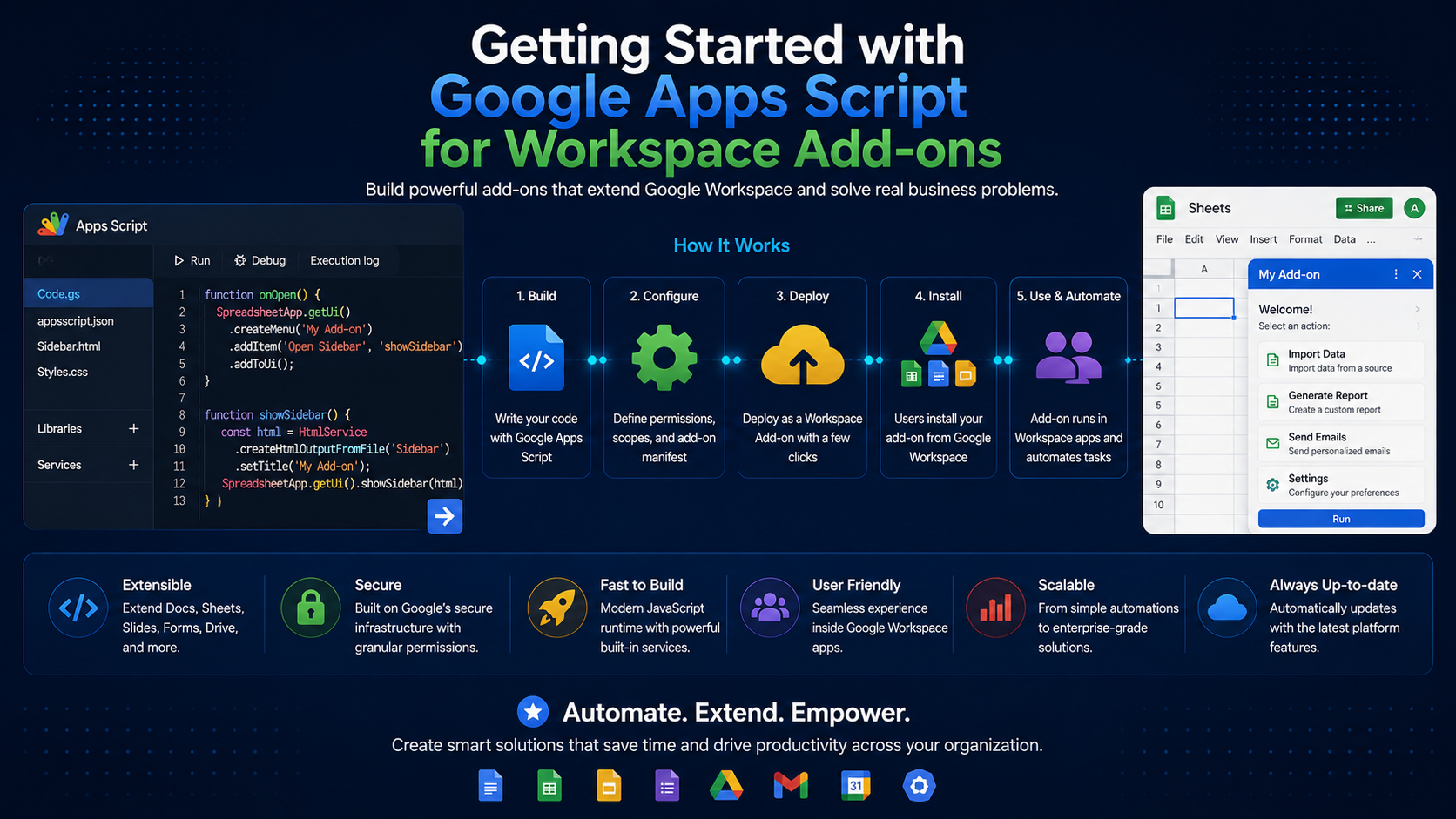
Google Workspace add-ons extend Gmail, Docs, Sheets, Slides, and Calendar with custom functionality. The fastest way to build them is Apps Script — a cloud-hosted JavaScript platform that requires no servers of your own.
What is Apps Script?
Apps Script is a serverless runtime with built-in libraries for the entire Workspace suite. You write modern JavaScript, and Google handles hosting, authentication, and execution.
Setting Up Your Project
You can develop in the browser-based editor or locally with clasp, the command-line tool for Apps Script.
npm install -g @google/clasp
clasp login
clasp create --type standalone --title "My Workspace Add-on"
Building a Card-Based UI
Workspace add-on interfaces are built from cards. The homepage trigger returns a card that Google renders inside the host application.
function onHomepage(e) {
  const section = CardService.newCardSection()
    .addWidget(
      CardService.newTextParagraph().setText('Welcome to your add-on!')
    );

  return CardService.newCardBuilder()
    .setHeader(CardService.newCardHeader().setTitle('My Add-on'))
    .addSection(section)
    .build();
}
Calling Workspace Services
Built-in services like SpreadsheetApp, DocumentApp, and GmailApp give you typed access to user content — subject to the scopes you declare in the manifest.
Request least privilege
Publishing Your Add-on
- Configure the appsscript.json manifest with scopes and triggers.
- Test as an unverified app within your own account.
- Submit through the Google Workspace Marketplace SDK.
- Complete OAuth verification for public distribution.
Conclusion
Apps Script removes nearly all the infrastructure overhead of building Workspace add-ons. Start with a homepage card, wire in the services you need, and you can ship genuinely useful automation in an afternoon.
Related Articles
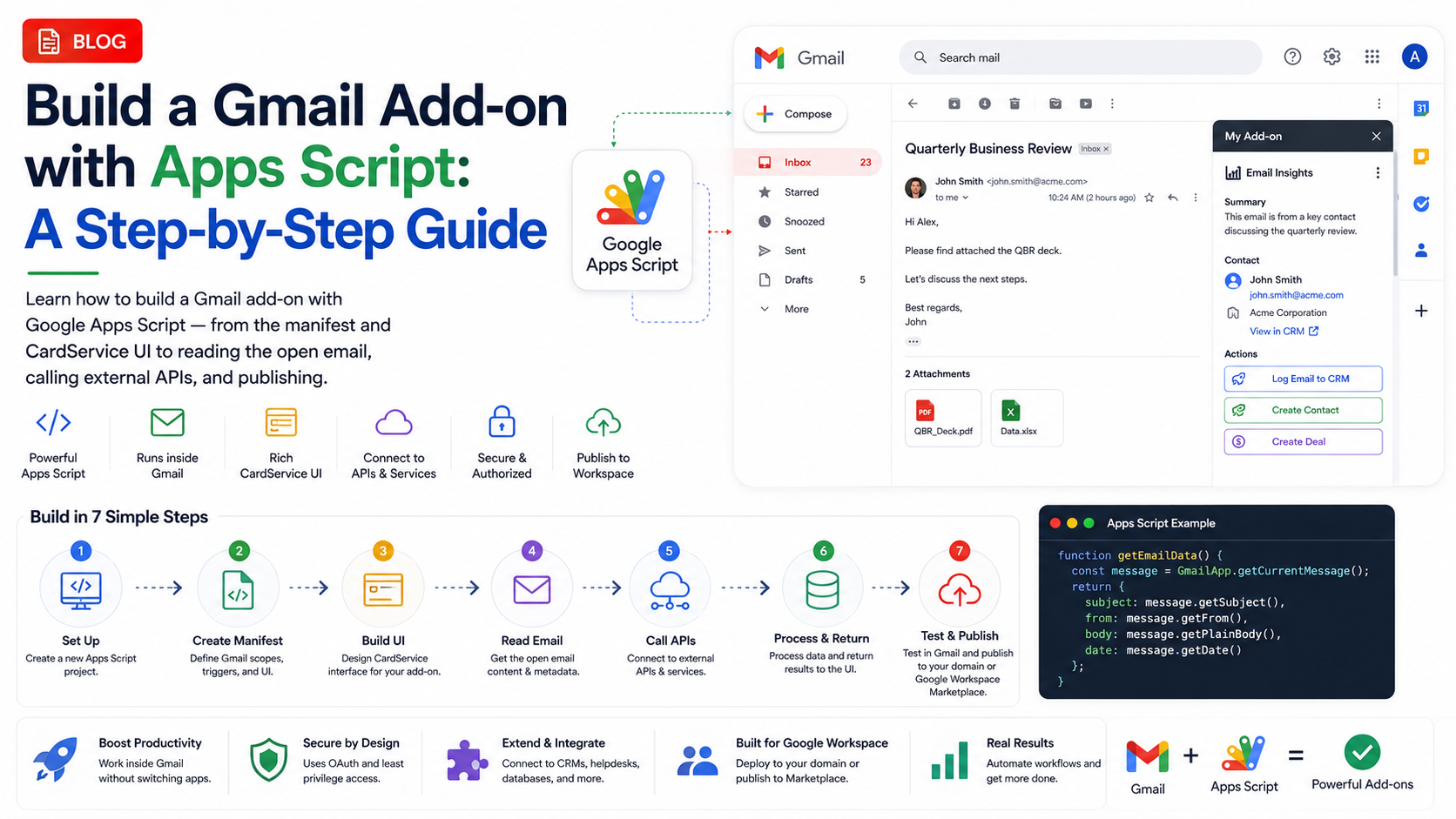 Google WorkspaceBuild a Gmail Add-on with Apps Script: A Step-by-Step GuideApril 15, 2025 · 8 min read
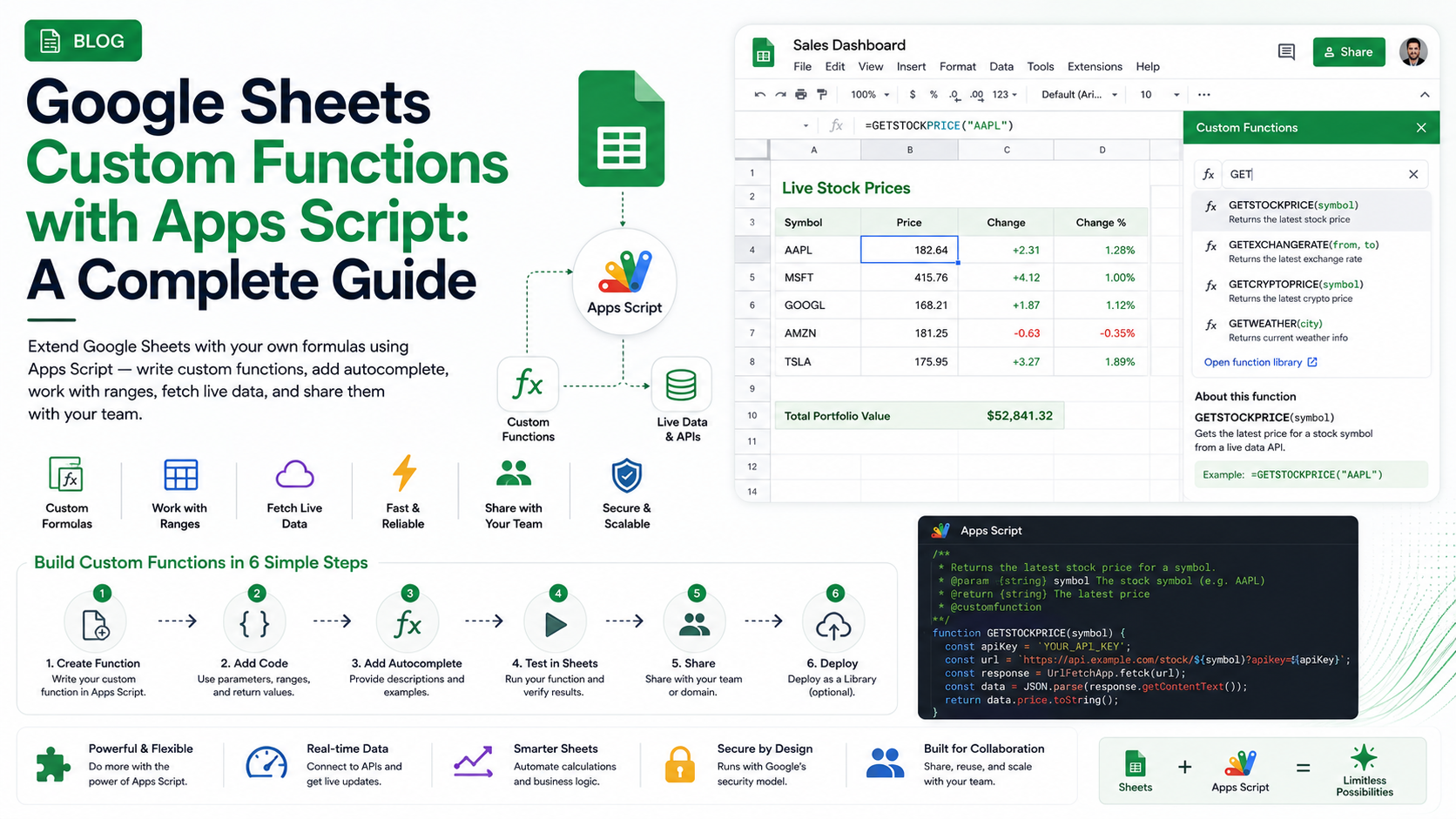 Google WorkspaceGoogle Sheets Custom Functions with Apps Script: A Complete GuideMay 5, 2025 · 8 min read
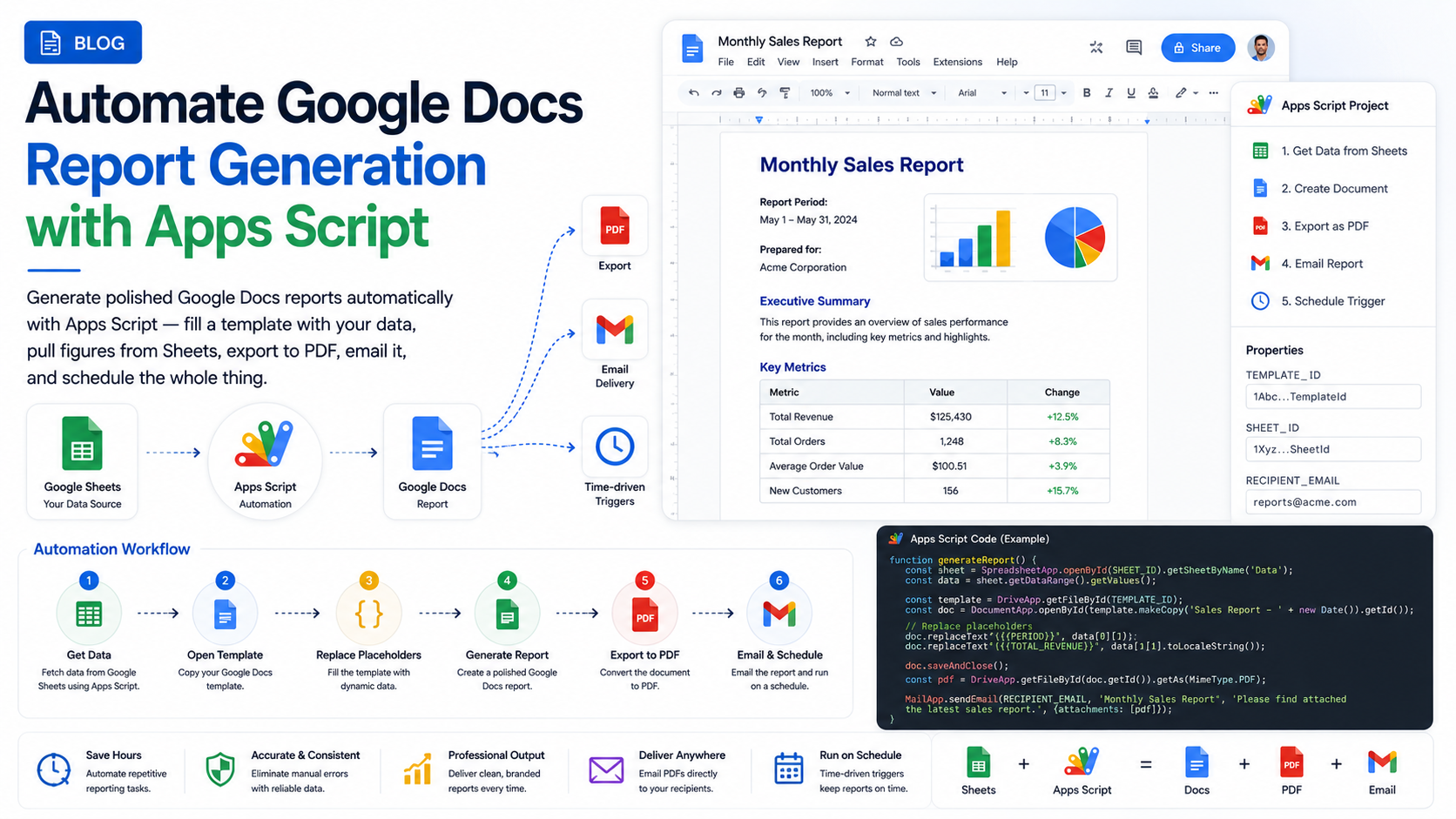 Google WorkspaceAutomate Google Docs Report Generation with Apps ScriptMay 15, 2025 · 8 min read