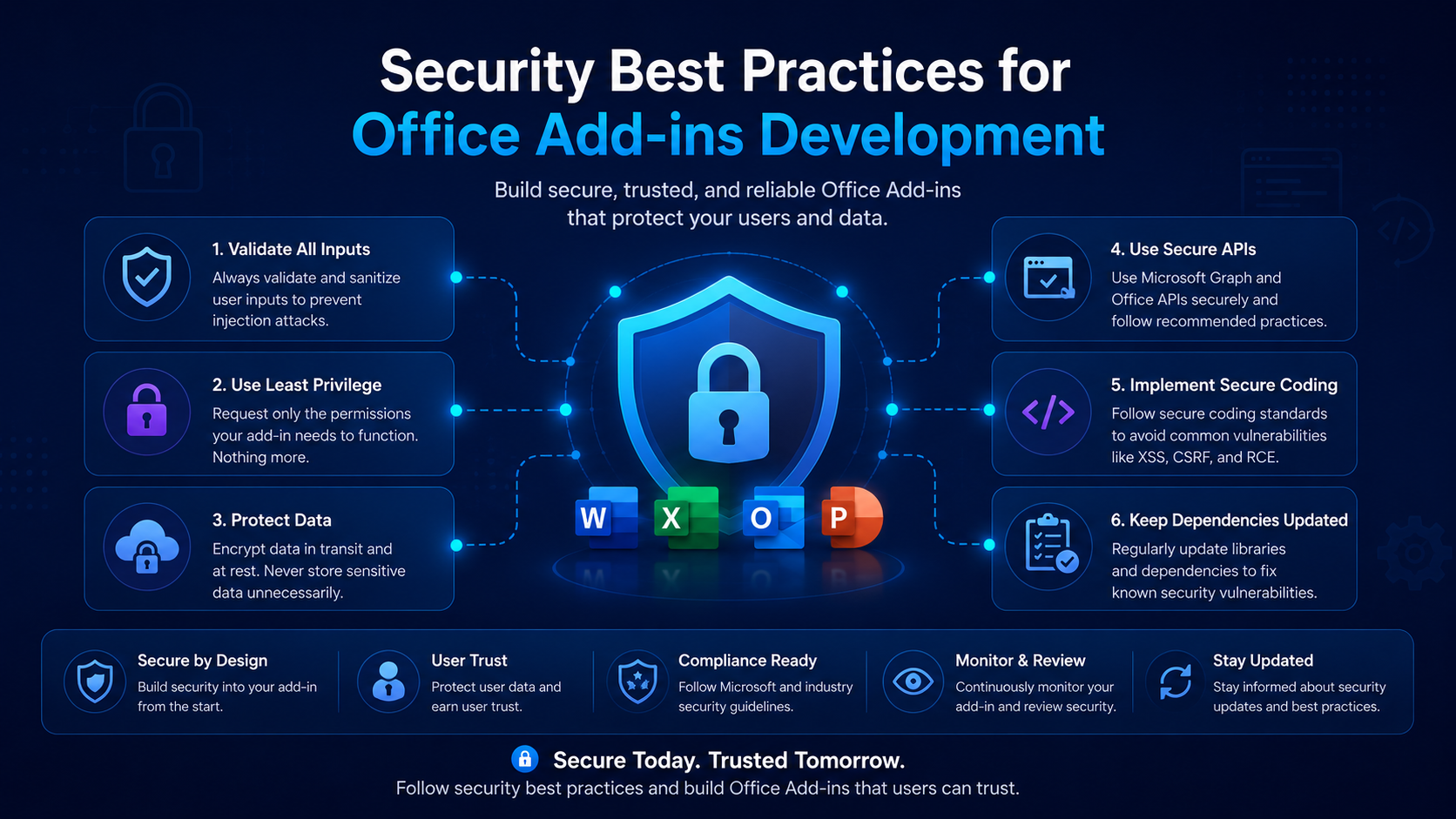
Security Best Practices for Office Add-ins Development
Ensure your Office add-ins are secure, compliant, and protect user data with these essential practices.
Introduction
Office add-ins run inside trusted productivity apps and often handle sensitive business data. Treating security as a first-class concern protects both your users and your reputation.
The Add-in Threat Model
Add-ins are essentially web apps embedded in Office. That means they inherit web threats — XSS, token leakage, insecure transport — plus host-specific risks around the data you can read from documents and mail.
Never trust input
Enforce HTTPS Everywhere
Office only loads add-in resources over HTTPS. Extend that discipline to every API call, and add a strict Content Security Policy to limit where scripts and connections can originate.
<meta
  http-equiv="Content-Security-Policy"
  content="default-src 'self'; connect-src 'self' https://api.yourdomain.com;"
/>
Authentication & Tokens
Prefer the modern identity flows. Office Single Sign-On (SSO) via getAccessToken issues a token for the signed-in Microsoft 365 user without a separate login prompt.
const token = await Office.auth.getAccessToken({
  allowSignInPrompt: true,
});
// Send this token to your backend; validate it there before trusting it.
Validate on the server
Handling User Data
- Collect the minimum data required and document why you need it.
- Encrypt data in transit and at rest.
- Avoid storing secrets in client code or the manifest.
- Provide a clear privacy policy and honor deletion requests.
Securing Your Manifest
The manifest declares the URLs and permissions your add-in uses. Keep AppDomains tight, request the lowest permission level that works, and review it as part of every release.
Conclusion
Security is not a one-time checkbox. Bake HTTPS, server-side token validation, input sanitization, and least-privilege permissions into your workflow, and your add-ins will be ready for even the most demanding enterprise reviews.
Related Articles
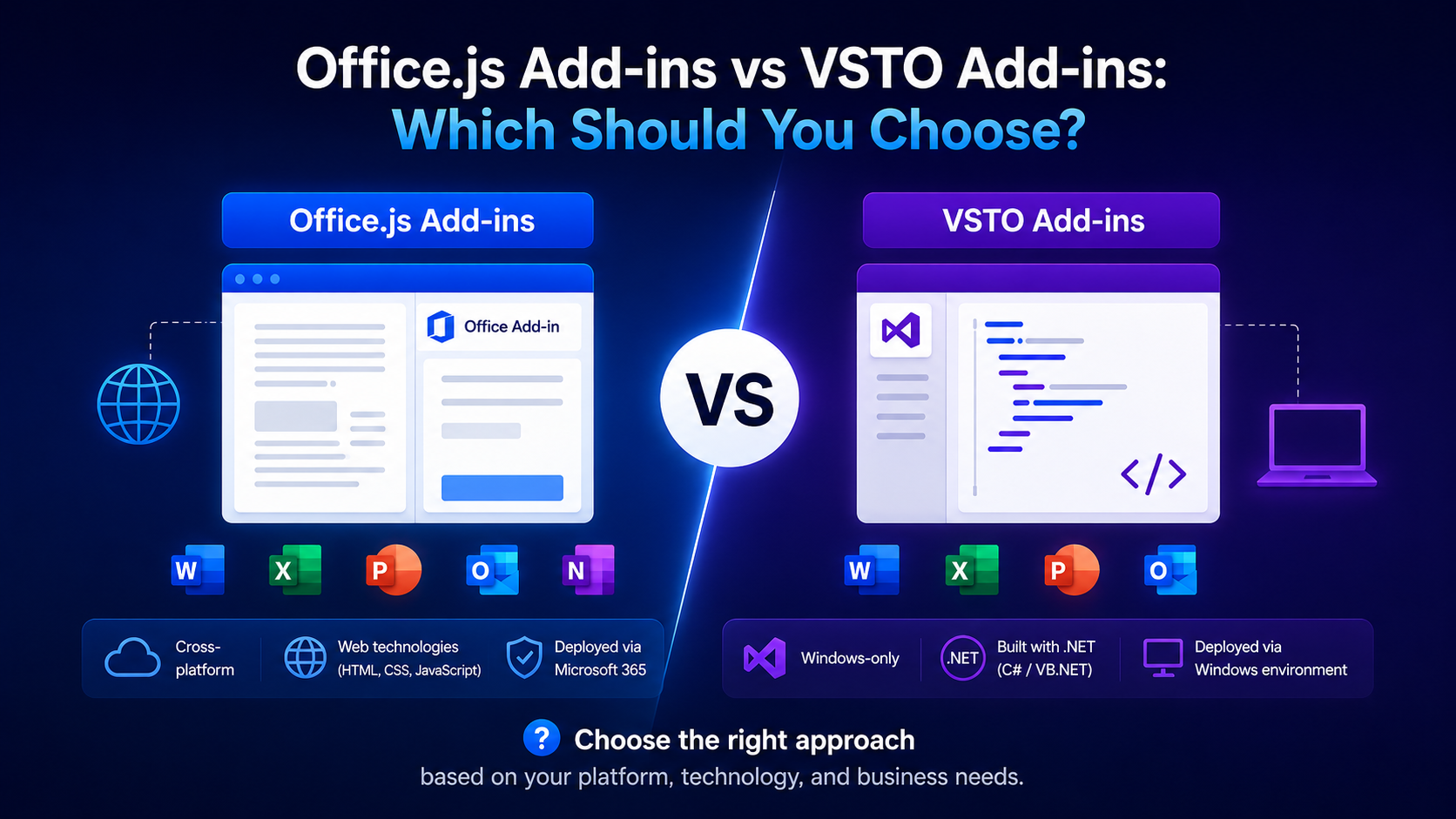 Best PracticesOffice.js Add-ins vs VSTO Add-ins: Which Should You Choose?May 22, 2025 · 9 min read
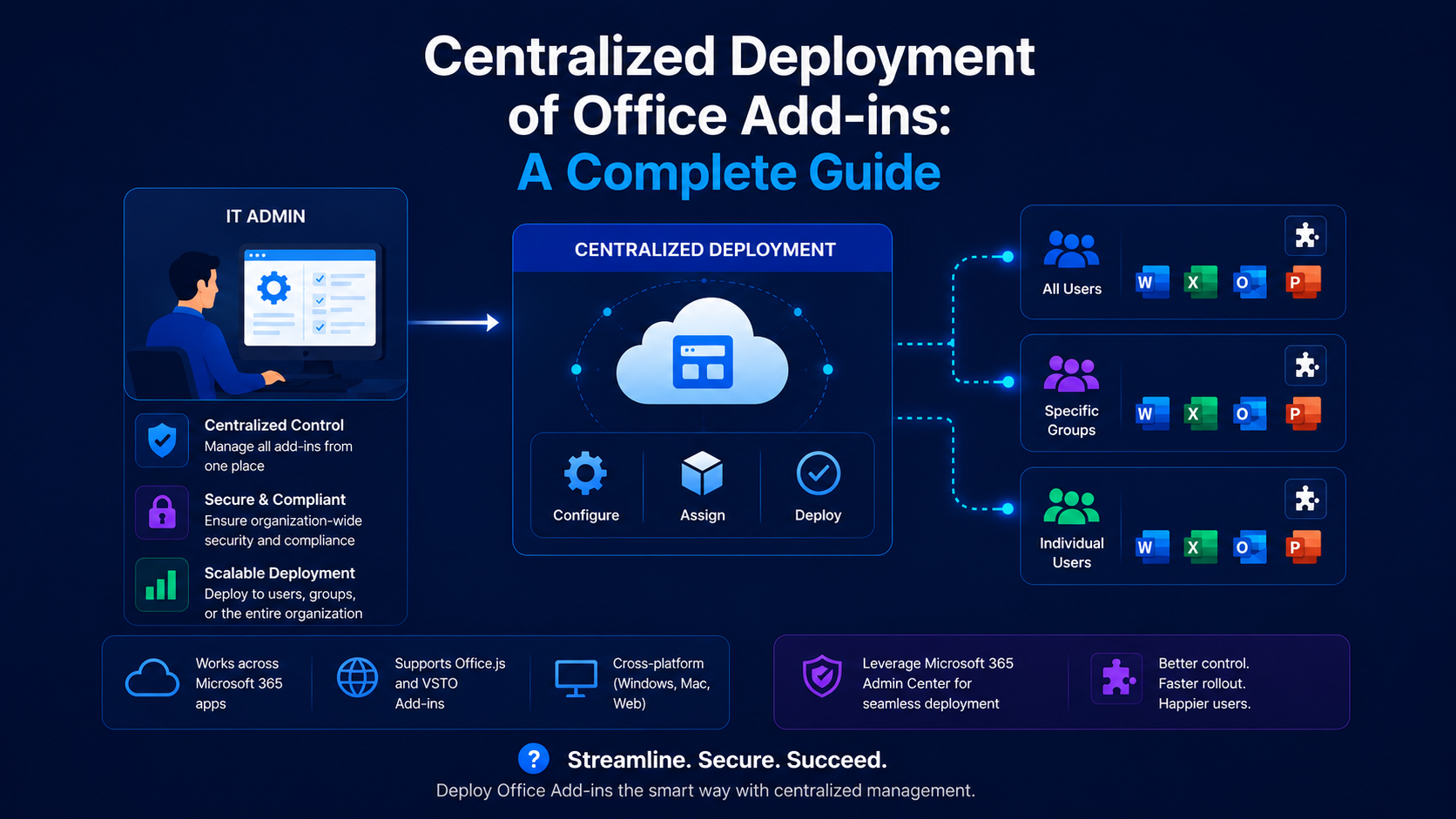 Best PracticesCentralized Deployment of Office Add-ins: A Complete GuideFebruary 9, 2026 · 6 min read
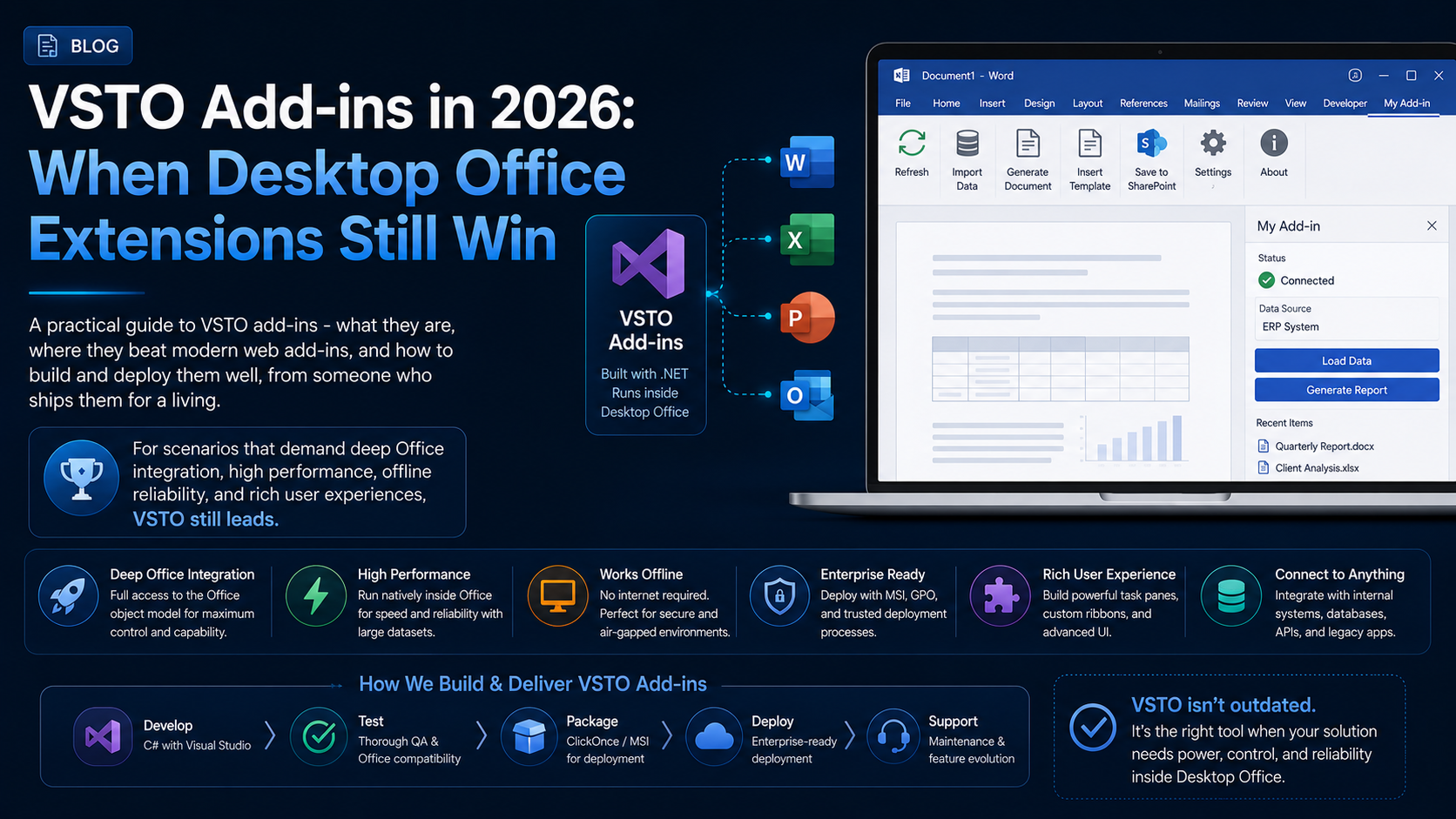 Best PracticesVSTO Add-ins in 2026: When Desktop Office Extensions Still WinJuly 10, 2026 · 10 min read