Integrate Zoho CRM with Outlook: A Custom Add-in for Contacts, Deals & Email Sync
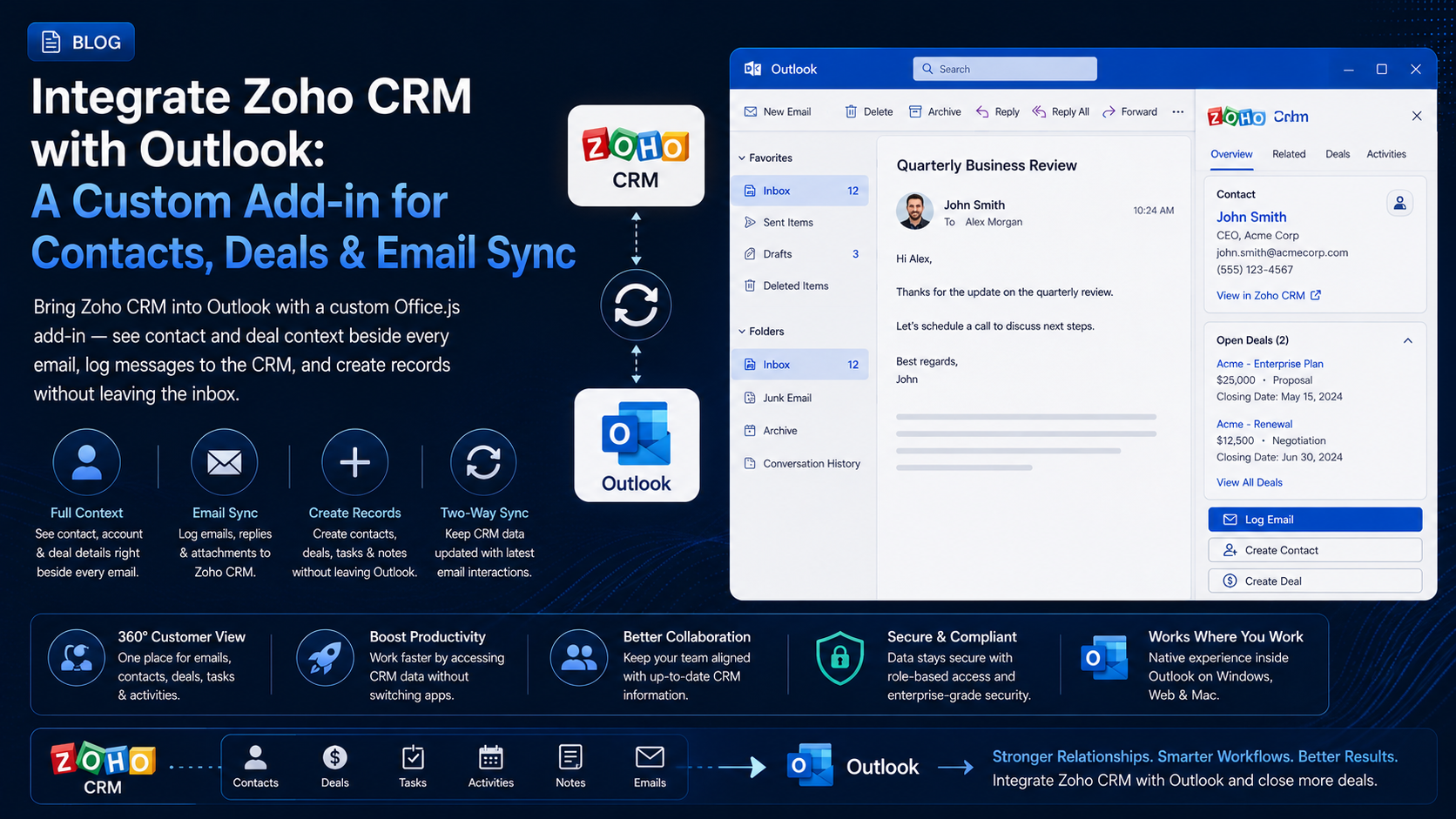
Bring Zoho CRM into Outlook with a custom Office.js add-in — see contact and deal context beside every email, log messages to the CRM, and create records without leaving the inbox.
Introduction
Zoho CRM runs the pipeline; Outlook runs the day. Sales reps read an email, then hop into Zoho to check the account, log the conversation, or update a deal — and every one of those switches is a small tax on selling time. Worse, a lot of that activity simply never gets logged.
A custom Outlook add-in closes that gap. It surfaces live Zoho CRM context right beside the message you’re reading and lets you log the email or create a contact, lead, or deal without ever leaving the inbox. Zoho ships its own Outlook plugin, but a custom add-in can match your modules, your fields, and your team’s exact workflow — which is where real adoption comes from.
Why Connect Zoho to Outlook?
- See contact, account, and deal context beside every email — no tab switching.
- Log emails to the Zoho timeline in one click, or automatically on send.
- Create leads, contacts, and deals from the inbox while the context is fresh.
- Keep the CRM complete so forecasts and pipeline reports are actually trustworthy.
- Tailor it to custom modules and fields the standard Zoho plugin won’t touch.
How the Integration Works
The add-in is an Office.js task pane that loads beside a message in Outlook on Windows, Mac, and the web. It reads the current email through Office.context.mailbox.item, then calls a backend service you host. That backend holds your Zoho Connected App credentials, runs the OAuth 2.0 flow, and proxies requests to the Zoho CRM REST API — returning clean JSON the task pane renders.
What You Can Surface & Sync
- Contacts and leads matched to the sender’s email address
- Accounts and their open deals, stage, and amount
- Recent activity from the record’s timeline (emails, calls, tasks)
- Cases, notes, and custom modules specific to your org
- New records: create leads, contacts, deals, tasks, and log emails as activities
Authenticating with OAuth 2.0
Register a Zoho Connected App in the Zoho API Console to get a client id and secret, then use the OAuth 2.0 authorization-code flow. The user connects their Zoho account once; your backend exchanges the code for access and refresh tokens and stores them securely. Kick the flow off from the add-in with the Office Dialog API.
// Open the Zoho consent flow hosted by your backend, in an Office dialog.
Office.context.ui.displayDialogAsync(
  'https://your-backend.com/zoho/connect',
  { height: 60, width: 40 },
  (result) => {
    const dialog = result.value;
    dialog.addEventHandler(Office.EventType.DialogMessageReceived, (arg) => {
      // Backend posts back a short-lived session token, NOT the Zoho tokens.
      sessionStorage.setItem('zohoSession', arg.message);
      dialog.close();
    });
  }
);
Match the data center, hide the secret
Reading the Email Context
Start by reading the sender of the selected message — that email address is the key you’ll use to find the matching Zoho record.
const item = Office.context.mailbox.item;
const senderEmail = item.from?.emailAddress; // e.g. 'jane@acme.com'
const subject = item.subject;

// Pass senderEmail to your backend to find the matching contact or lead.
Looking Up a Record in Zoho CRM
Your backend queries Zoho for the sender’s email and returns a tidy summary. Zoho’s search endpoint takes a criteria expression; doing it server-side keeps credentials safe and lets you shape exactly the fields the task pane needs.
async function findContact(email) {
  const token = sessionStorage.getItem('zohoSession');
  const res = await fetch(
    `https://your-backend.com/zoho/contacts?email=${encodeURIComponent(email)}`,
    { headers: { Authorization: `Bearer ${token}` } }
  );
  if (res.status === 404) return null; // no match — offer to create a lead
  if (!res.ok) throw new Error('Zoho lookup failed');
  return res.json(); // { name, account, deals: [...], recentActivity: [...] }
}

// On the backend, the Zoho call is roughly:
// GET /crm/v2/Contacts/search?criteria=(Email:equals:jane@acme.com)
Cache per conversation
Logging Emails & Creating Records
Logging an email creates a Task (an activity) linked to the contact and, optionally, a deal. Let the rep confirm, then post the message metadata to your backend, which writes it to Zoho.
async function logEmail(contactId) {
  const item = Office.context.mailbox.item;
  const token = sessionStorage.getItem('zohoSession');

  await fetch('https://your-backend.com/zoho/tasks', {
    method: 'POST',
    headers: {
      Authorization: `Bearer ${token}`,
      'Content-Type': 'application/json',
    },
    body: JSON.stringify({
      Subject: item.subject,
      Who_Id: contactId,      // the Contact/Lead the email relates to
      Status: 'Completed',
    }),
  });
}
The same pattern powers “Create lead”, “Create deal”, and “Add task” buttons — each posts to your backend, which calls the matching Zoho CRM module endpoint and returns the new record’s id.
Event-Based Automation
With an event-based add-in you can react to OnMessageSend and offer — or automatically perform — email logging as the rep hits send, capturing outbound activity with zero manual steps. Keep the handler lightweight, call event.completed() promptly, and do the real work on your backend.
Respect the API credits
Security & Best Practices
- Keep the Connected App secret and OAuth tokens server-side only; encrypt them at rest.
- Request the narrowest Zoho scopes your features need (e.g. read-only modules where possible).
- Refresh access tokens on the server and route requests to the user’s correct data center domain.
- Serve every endpoint over HTTPS and validate the add-in’s session token on each call.
- Sanitize CRM content before rendering it in the task pane to prevent injection.
Conclusion
A Zoho-CRM-in-Outlook add-in turns the inbox into a place where selling and record-keeping happen together: reps see who they’re emailing, log activity in a click, and create records while the details are fresh — so the pipeline stays honest and the CRM stops being a chore. Start with contact context and one-click email logging, prove the workflow, then layer on deal creation and automation. If you want a secure, custom Zoho add-in built around your org’s modules and process, we’d be glad to help.
Related Articles
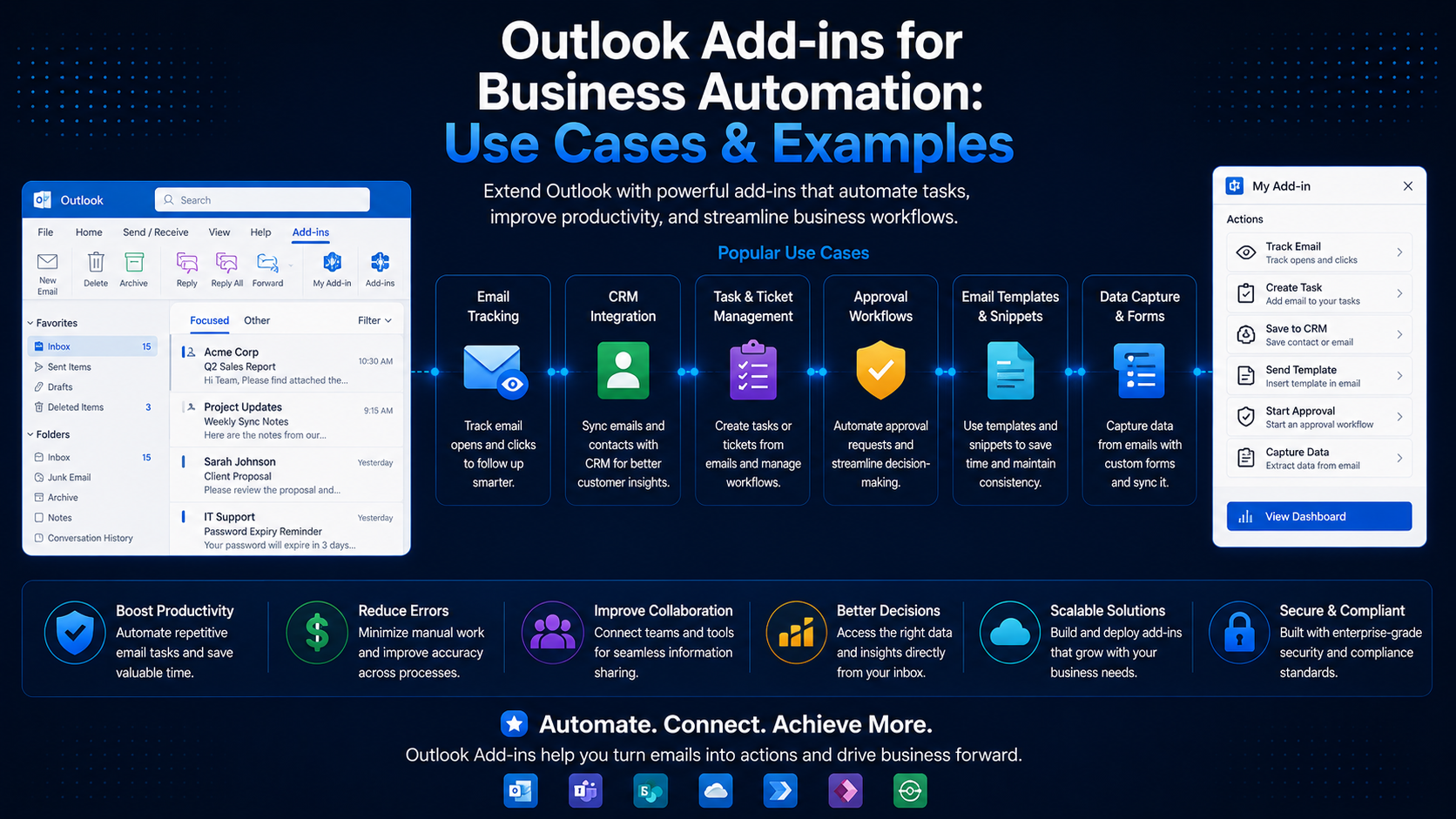 Outlook Add-insOutlook Add-ins for Business Automation: Use Cases & ExamplesJune 20, 2024 · 6 min read
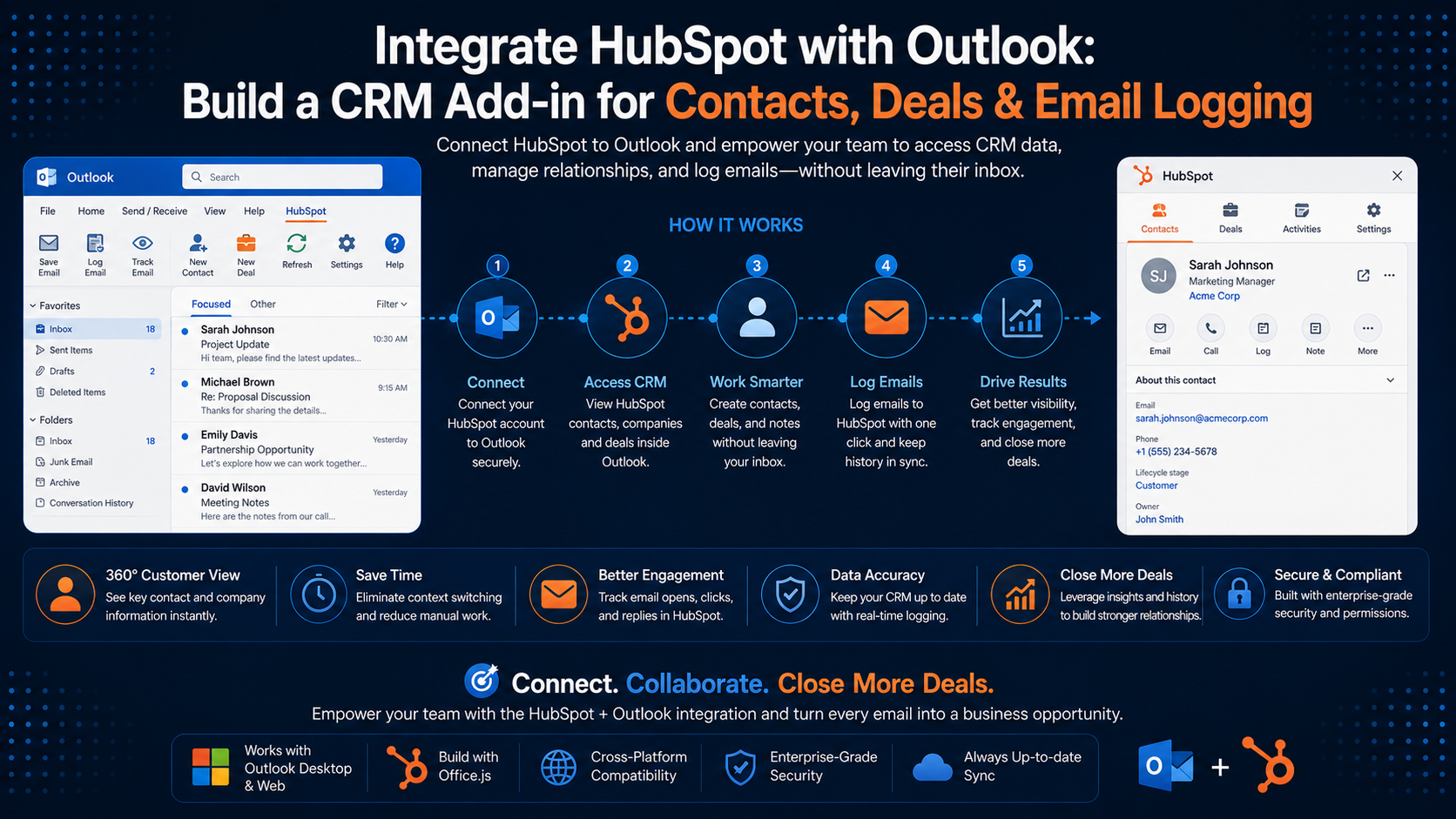 Outlook Add-insIntegrate HubSpot with Outlook: Build a CRM Add-in for Contacts, Deals & Email LoggingMarch 25, 2026 · 9 min read
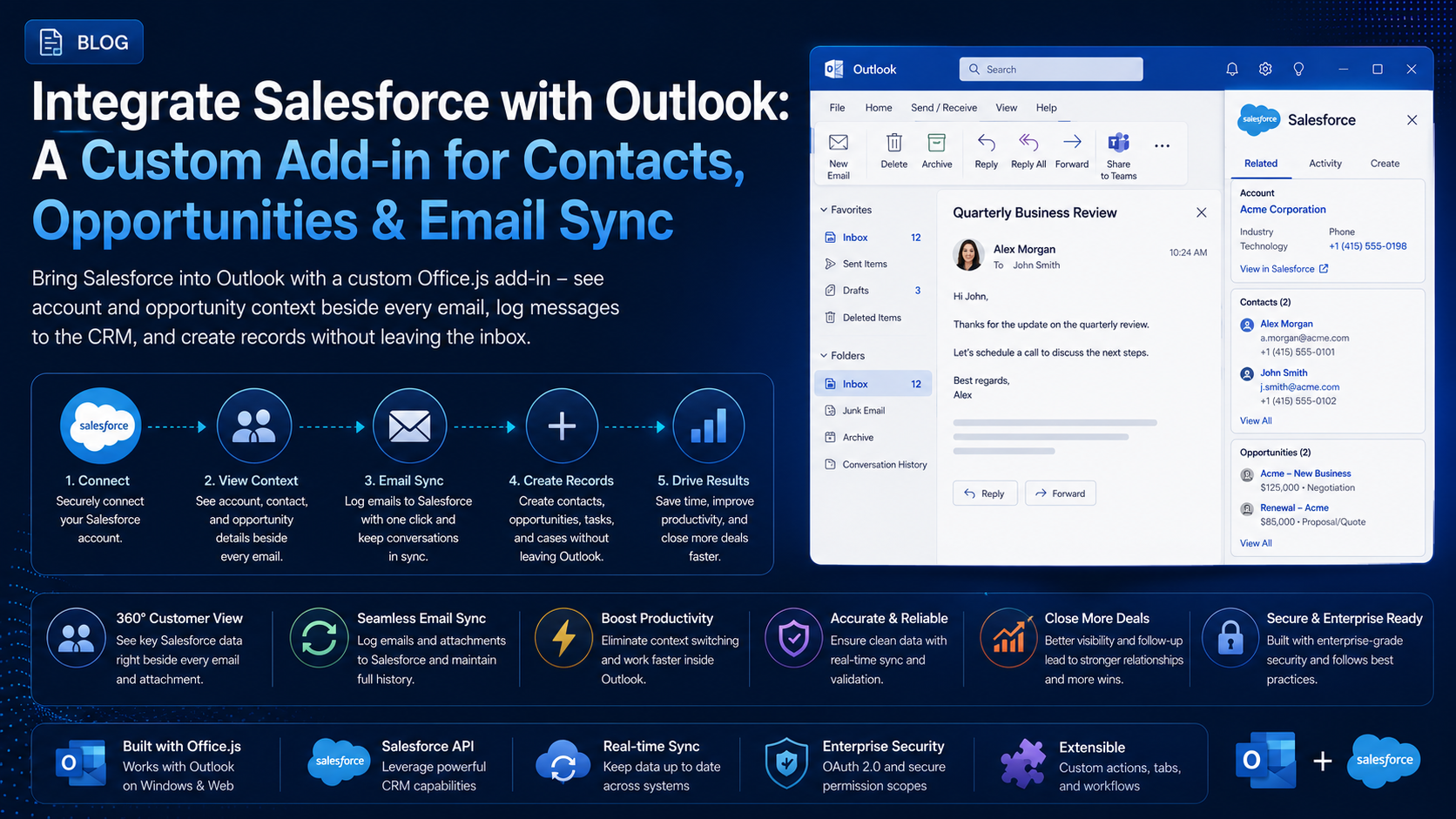 Outlook Add-insIntegrate Salesforce with Outlook: A Custom Add-in for Contacts, Opportunities & Email SyncJuly 12, 2026 · 9 min read