Create Custom Functions in Excel with Office.js
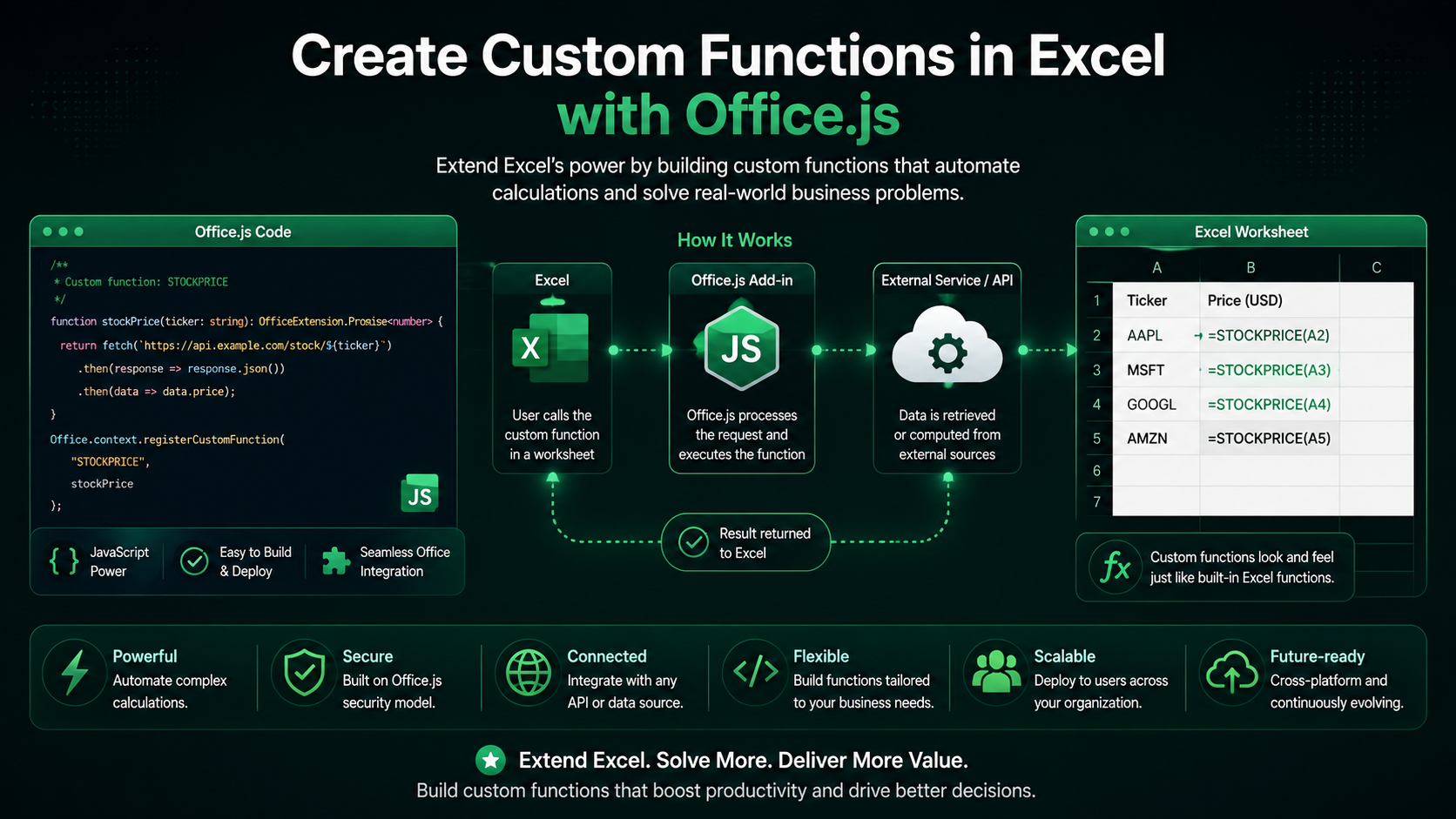
Extend Excel’s formula language with your own functions — fetch live data, run custom logic, and stream results straight into cells.
Introduction
Excel users live in the formula bar. Custom functions let you put your own logic right there alongside SUM and VLOOKUP — so users call your code the way they already call any built-in function.
What Are Custom Functions?
Custom functions are JavaScript (or TypeScript) functions that Excel exposes as worksheet formulas under a namespace you choose, for example =CONTOSO.GETPRICE("MSFT"). They can accept arguments, return values, ranges, and even update asynchronously.
How They Differ from Task Panes
A task pane is a UI surface the user opens; a custom function is invoked silently by the calculation engine whenever its inputs change. The two complement each other — many add-ins ship both.
Defining Your First Function
Functions are written as plain JS with a JSDoc comment that the build tooling turns into metadata Excel reads.
/**
 * Adds two numbers.
 * @customfunction
 * @param {number} first First number.
 * @param {number} second Second number.
 * @returns {number} The sum.
 */
function add(first, second) {
  return first + second;
}

CustomFunctions.associate('ADD', add);
Fetching Live Data
Because custom functions can be asynchronous, they are perfect for pulling live data — exchange rates, stock prices, inventory — directly into a cell. Just return a Promise.
/**
 * Gets the latest price for a ticker.
 * @customfunction
 * @param {string} ticker The stock symbol.
 * @returns {Promise<number>}
 */
async function getPrice(ticker) {
  const res = await fetch(`https://api.example.com/price/${ticker}`);
  const data = await res.json();
  return data.price;
}

CustomFunctions.associate('GETPRICE', getPrice);
CORS & HTTPS apply
Streaming Functions
For values that change over time, a streaming function pushes updates to the cell using an invocation handler instead of returning once.
/**
 * Streams a counter every second.
 * @customfunction
 * @param {CustomFunctions.StreamingInvocation<number>} invocation
 */
function clock(invocation) {
  let count = 0;
  const timer = setInterval(() => {
    invocation.setResult(count++);
  }, 1000);

  invocation.onCanceled = () => clearInterval(timer);
}

CustomFunctions.associate('CLOCK', clock);
Performance & Limits
- Keep functions pure and fast — they may be called thousands of times on recalc.
- Batch network requests where possible to avoid rate limits.
- Always clean up timers and subscriptions in onCanceled for streaming functions.
- Return errors with CustomFunctions.Error so users see a proper #VALUE! state.
Conclusion
Custom functions meet users exactly where they work — in the formula bar. Whether you are surfacing live data or encapsulating complex business math, they make your add-in feel like a native part of Excel.
Related Articles
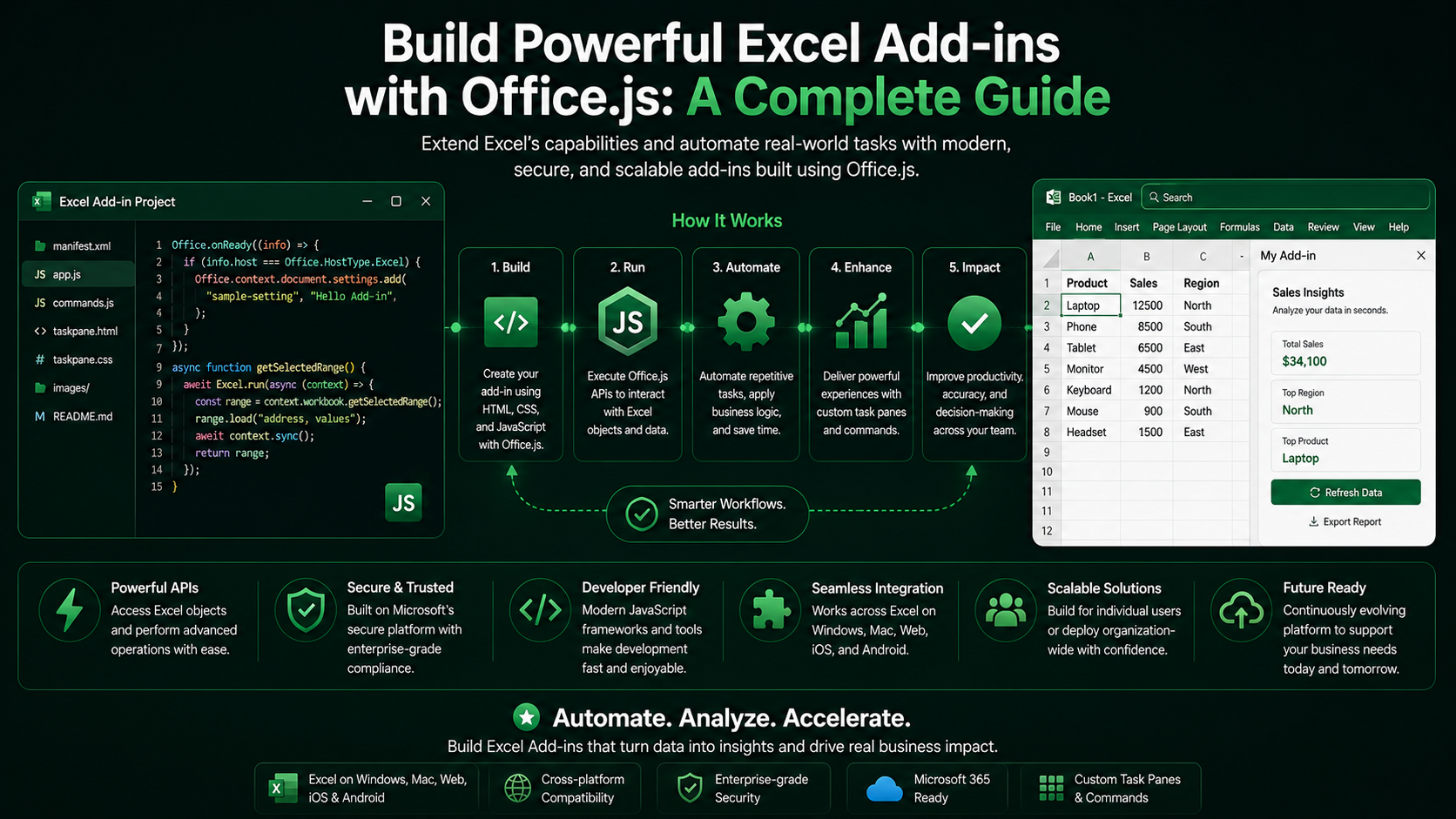 Excel Add-insBuild Powerful Excel Add-ins with Office.js: A Complete GuideMarch 12, 2024 · 8 min read
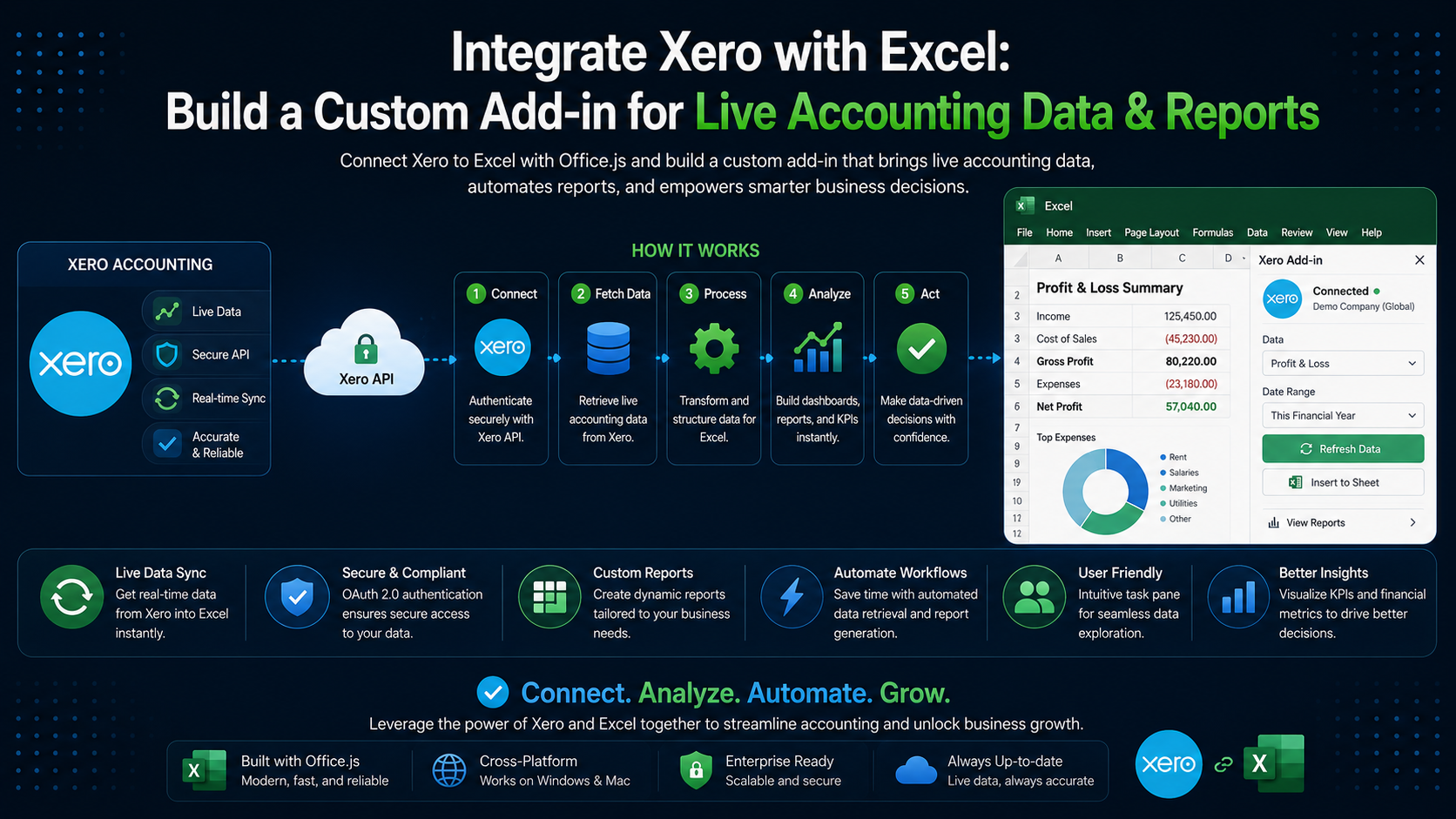 Excel Add-insIntegrate Xero with Excel: Build a Custom Add-in for Live Accounting Data & ReportsMarch 15, 2026 · 9 min read
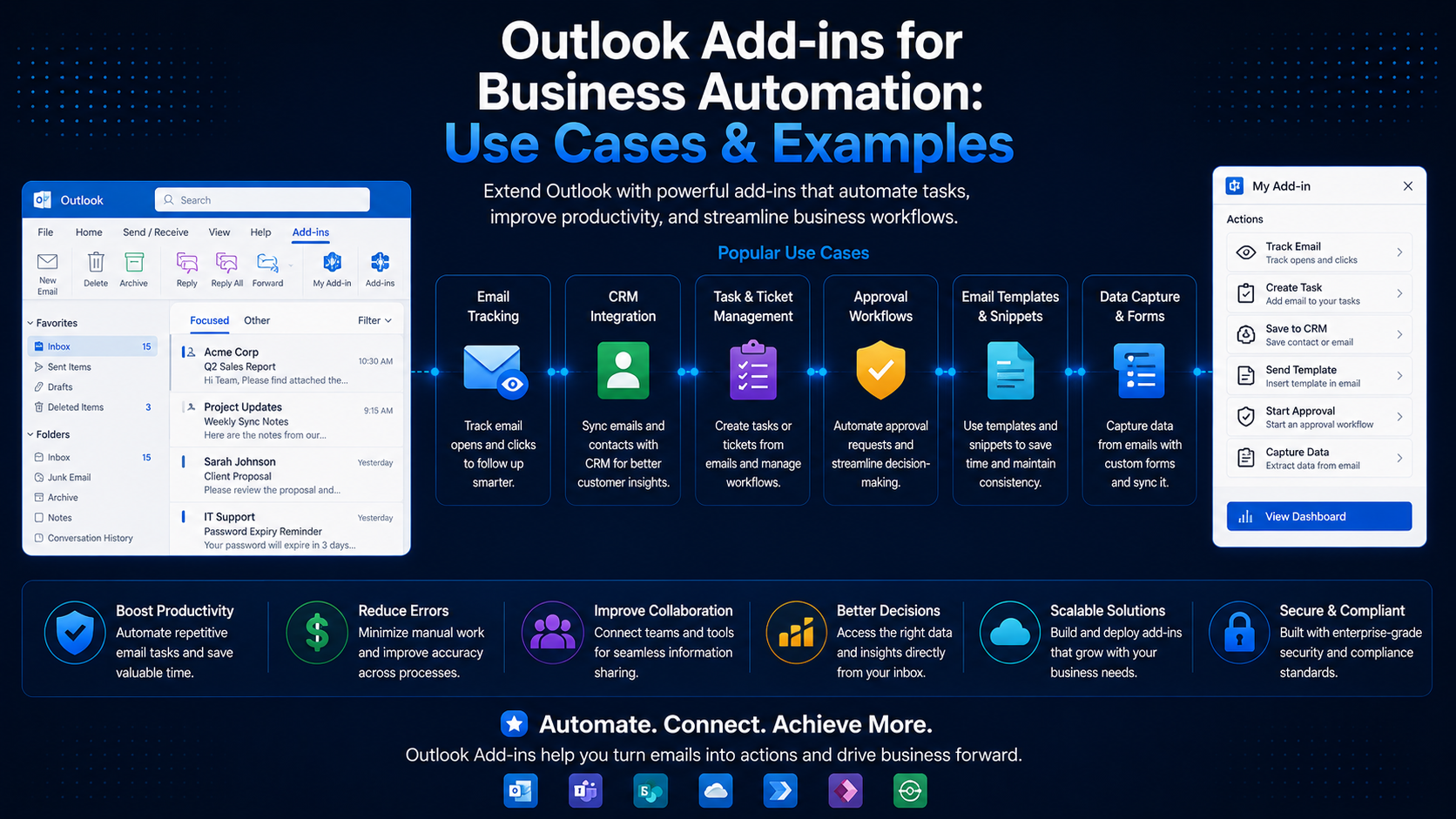 Outlook Add-insOutlook Add-ins for Business Automation: Use Cases & ExamplesJune 20, 2024 · 6 min read