Office.js Add-ins vs VSTO Add-ins: Which Should You Choose?
A practical comparison of modern Office.js web add-ins and legacy VSTO add-ins to help you pick the right platform and plan your migration.
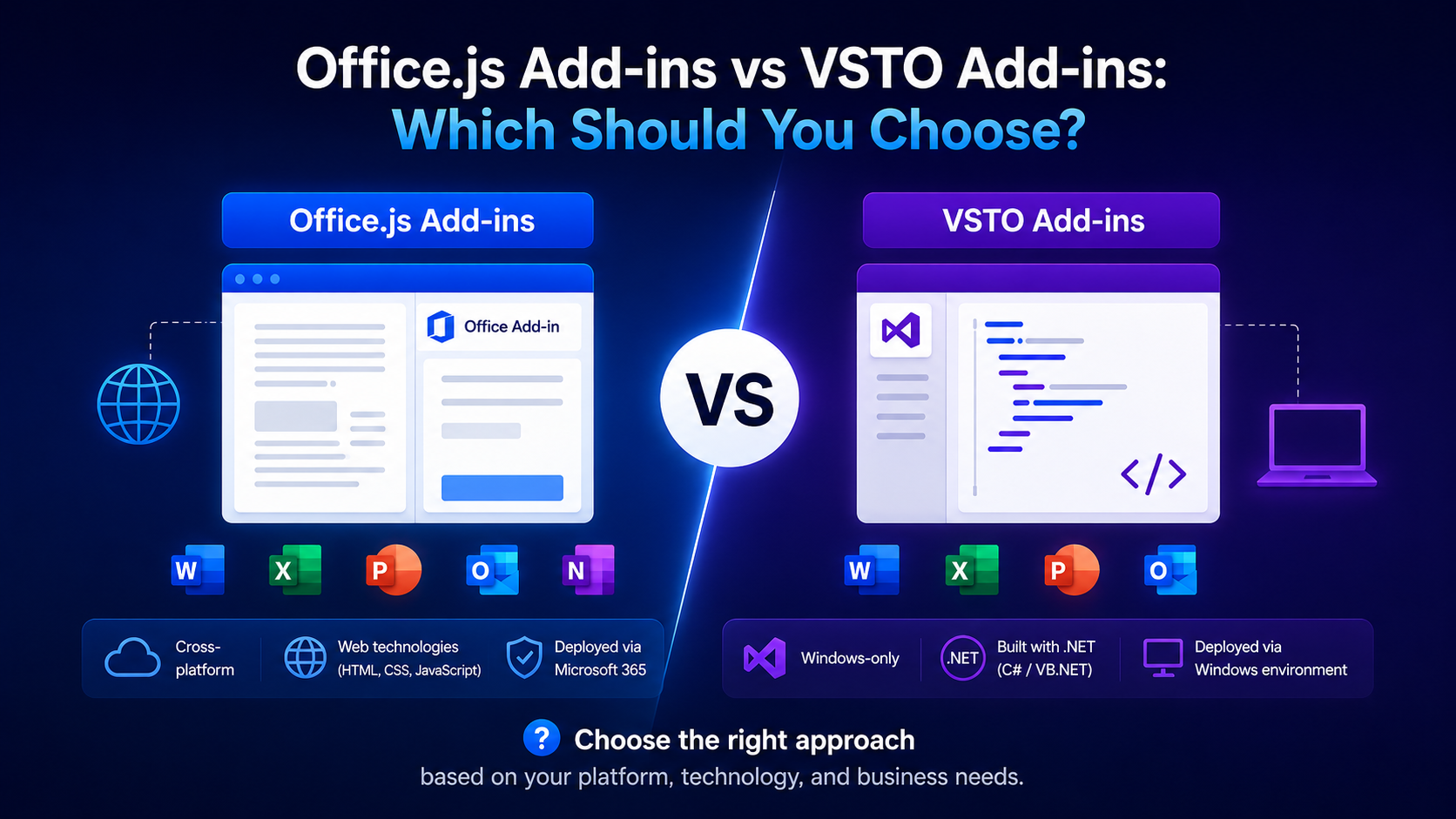
Introduction
If you are building for Office today, you face a fundamental choice: the modern, web-based Office.js add-in model or the older VSTO (Visual Studio Tools for Office) framework. They solve the same problem — extending Office — in completely different ways, and choosing wrongly can cost you years of rework.
This guide breaks down how each platform works, where each one wins, and how to plan a migration if you are still on VSTO.
Two Generations of Add-ins
VSTO add-ins are .NET assemblies that run in-process with the desktop Office application on Windows. Office.js add-ins are web applications — HTML, CSS, and JavaScript — that run in an embedded browser control and talk to Office through a JavaScript API.
How Each Platform Works
A VSTO add-in references the Office Primary Interop Assemblies and manipulates the host object model directly and synchronously. An Office.js add-in instead loads a remote web page and issues batched, asynchronous calls that the host resolves on context.sync().
private void ThisAddIn_Startup(object sender, EventArgs e)
{
    Excel.Worksheet sheet = this.Application.ActiveSheet;
    sheet.Range["A1"].Value = "Hello from VSTO";
}await Excel.run(async (context) => {
const sheet = context.workbook.worksheets.getActiveWorksheet();
sheet.getRange('A1').values = [['Hello from Office.js']];
await context.sync();
});Cross-Platform Reach
This is the single biggest differentiator. A VSTO add-in only runs on Windows desktop Office. An Office.js add-in runs everywhere Office runs — Windows, Mac, Office on the web, and iPad — from a single codebase.
- VSTO: Windows desktop only.
- Office.js: Windows, Mac, Web, and iPad.
- Office.js add-ins are listed on AppSource and reach Microsoft 365 users on any device.
Deployment & Maintenance
VSTO requires a per-machine installer (ClickOnce or MSI), the right .NET runtime, and matching Office bitness. Office.js add-ins are deployed centrally through the Microsoft 365 admin center or AppSource, and updates ship the moment you redeploy your web bundle — no client install needed.
Zero-touch updates
Performance & API Depth
VSTO has near-complete access to the mature COM object model and runs in-process, so it can be faster for heavy, chatty operations. Office.js trades some of that depth and adds network/sync overhead, but the JavaScript APIs have grown rapidly and now cover the vast majority of real-world scenarios.
Check API coverage first
When VSTO Still Makes Sense
- You are strictly Windows-desktop and will never need Mac, web, or mobile.
- You depend on deep COM features with no Office.js equivalent.
- You must integrate tightly with local Windows resources or other desktop applications.
- You are maintaining a stable legacy product where a rewrite is not justified.
Planning a Migration
Migrating from VSTO to Office.js is a rewrite, not a port — but a structured one. Separate your business logic from the UI, map each VSTO feature to its Office.js equivalent, and move incrementally.
- Inventory every feature and the COM APIs it uses.
- Map each one to an Office.js capability and flag any gaps.
- Move shared business logic to a web backend or reusable modules.
- Rebuild the UI as a task pane or ribbon command in HTML/JS.
- Pilot with a subset of users via centralized deployment before full rollout.
Conclusion
For nearly all new projects, Office.js is the right choice: it is cross-platform, easy to deploy, and aligned with where Microsoft is investing. Reserve VSTO for genuinely Windows-only, COM-heavy scenarios — and if you are already there, start planning your migration before the platform gap widens further.
Related Articles
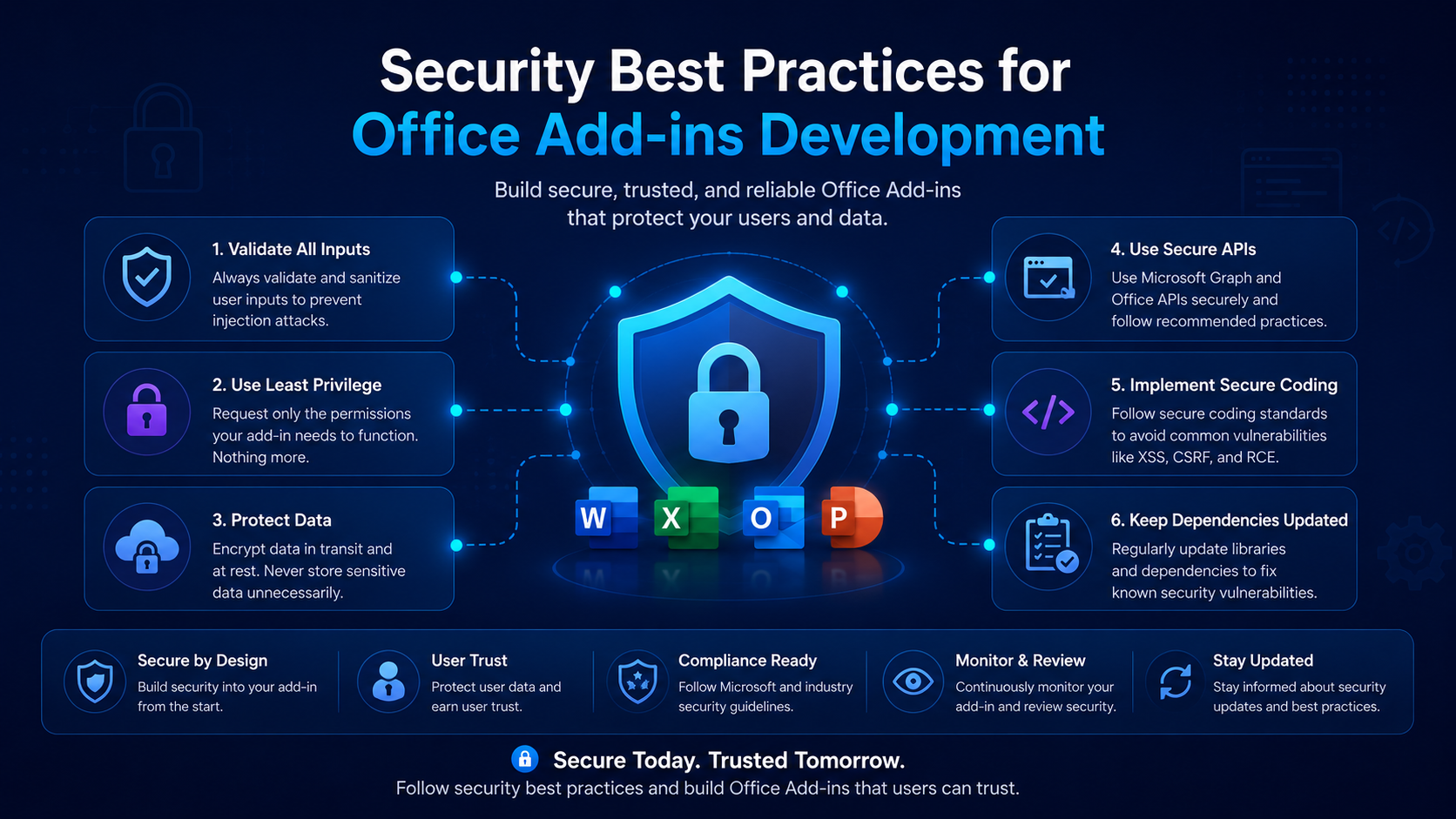 Best PracticesSecurity Best Practices for Office Add-ins DevelopmentFebruary 10, 2025 · 6 min read
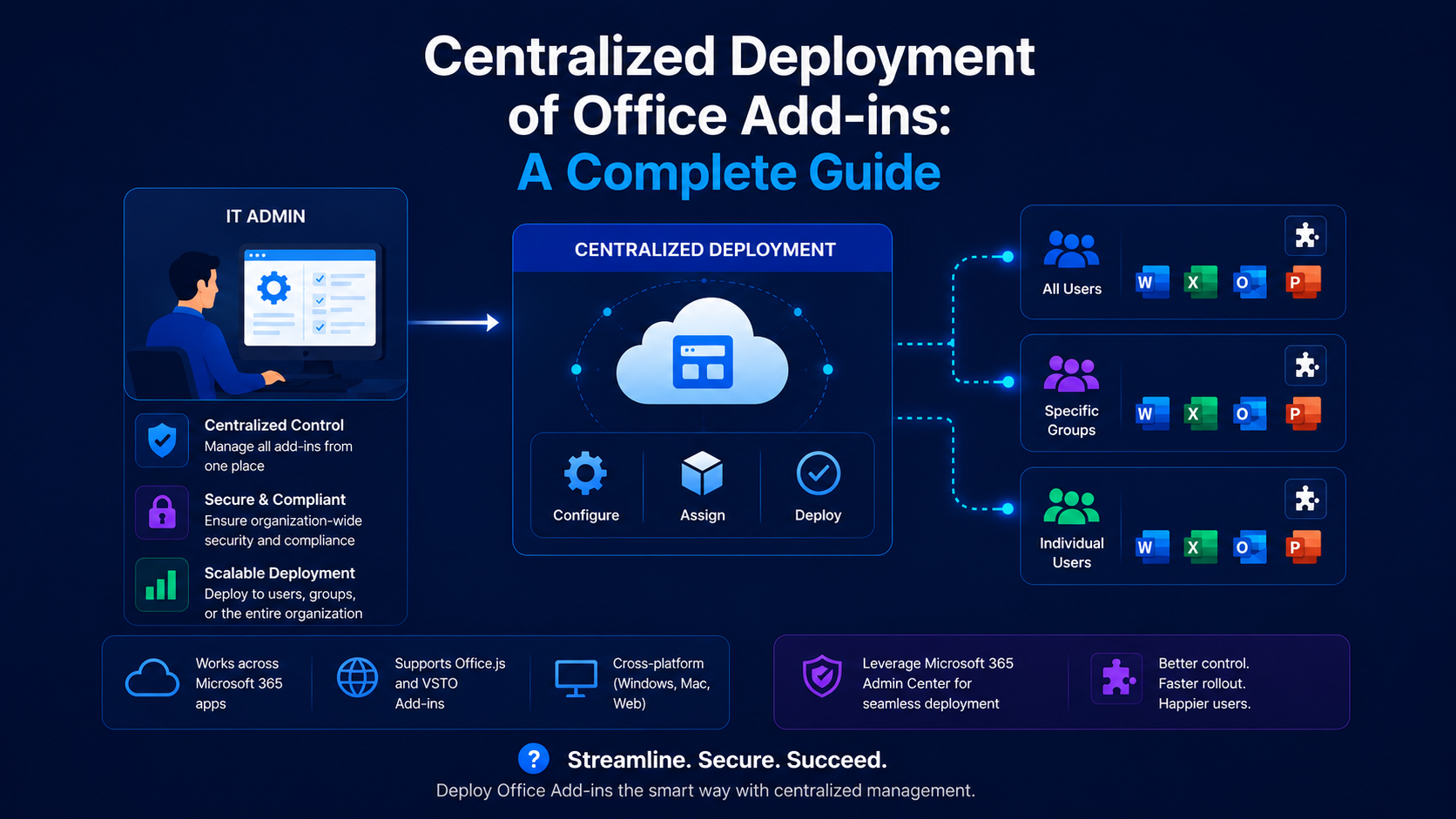 Best PracticesCentralized Deployment of Office Add-ins: A Complete GuideFebruary 9, 2026 · 6 min read
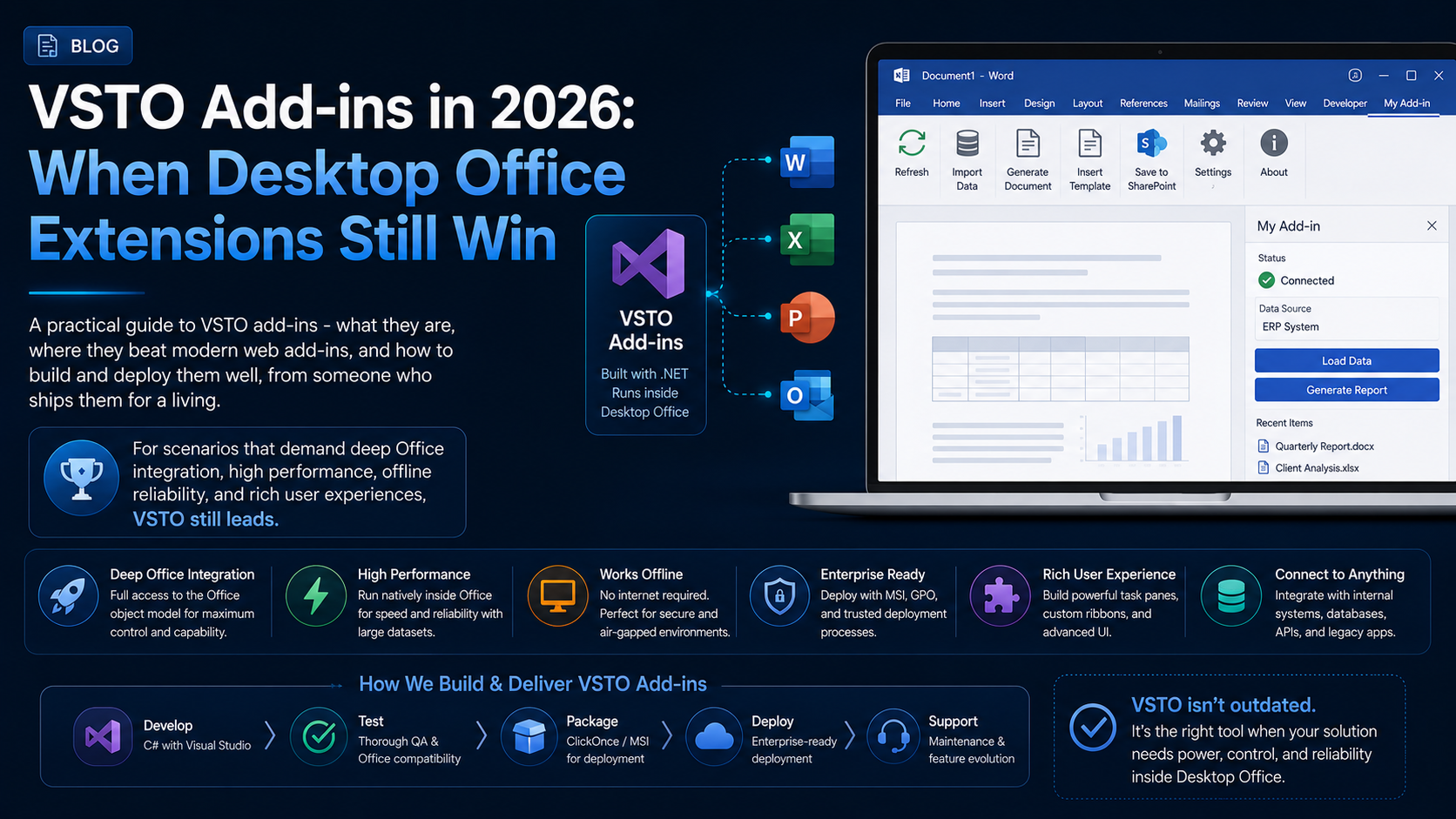 Best PracticesVSTO Add-ins in 2026: When Desktop Office Extensions Still WinJuly 10, 2026 · 10 min read